
Screen Studio alternatives for Windows, Mac and Linux
Prices checked 5 October 2026
Short answer. Screen Studio only runs on macOS, and it is now a subscription at $29 a month, or $9 a month billed yearly. If you are on Windows or Linux, it is not an option at all. The closest alternatives that place zooms automatically are ScreenCursor ($49 once), ScreenSmooth ($79 once) and FocuSee (from $49.99 a year). The first two are Chrome extensions, so they run on any operating system with Chrome on it.
Why people go looking for an alternative
There are three reasons, and they are all recent.
- It does not run on Windows or Linux. Screen Studio is a native macOS app, and its own site now says there are no near-future plans for a Windows version. This is far and away the most common reason people end up on a page like this one.
- The lifetime license is gone. Screen Studio used to sell a one-off license. It does not any more, and a lot of the comparison articles you will find still quote those old numbers as though you could pay them today.
- $108 a year adds up. For somebody recording a demo every few weeks, a yearly subscription is a strange shape of bill for a tool you open occasionally.
Every option, compared
Five tools that come up repeatedly for this. Every price below was read off the vendor’s own site on 5 October 2026, not copied from another comparison article, which is where most of the wrong figures in circulation come from.
| Tool | Price | Payment | Runs on | Auto zoom |
|---|---|---|---|---|
| Screen Studio | $9 to $29 / month | Subscription | macOS only | Yes |
| ScreenCursorours | $49 | Lifetime, 3 computers | Windows, macOS, Linux | Yes |
| Screen Charm | $79 | Lifetime, 3 devices | macOS only | Yes |
| ScreenSmooth | $79 | Lifetime | Windows, macOS, Linux | Yes |
| FocuSee | From $49.99 / year | Subscription or $199.99 lifetime | Windows, macOS | Yes |
| OBS Studio | Free | Open source | Windows, macOS, Linux | No |
ScreenCursor is our own product, so treat our opinion of it accordingly. The prices are checkable and we would rather you checked them. Free and open-source options, and tools with share links, are in our roundup of the best auto-zoom screen recorders. If it is Loom you are leaving, we compare the Loom alternatives with auto zoom separately.
Screen Studio does not run on Windows. Here is what does.
Screen Studio is built for macOS and needs Ventura 13.1 or later. There is no Windows build and no Linux build. If that is why you are here, your options split into two kinds.
Native Windows apps. FocuSee is the main one, running on Windows and Mac with automatic zoom, cursor smoothing and motion effects. It is a subscription from $49.99 a year, with a $199.99 lifetime option, and it has a free trial that lets you export one video.
Chrome extensions. ScreenCursor and ScreenSmooth both run inside the browser. That sounds like a limitation and mostly is not one: they can record a browser tab, an application window, or your whole screen including things that are not Chrome. What you get in exchange is that the operating system stops mattering. There is no installer, no admin rights, and the same license works whether you are on Windows at work and a Mac at home.
Where each one actually fits
Stay with Screen Studio if you are on a Mac and it is your job
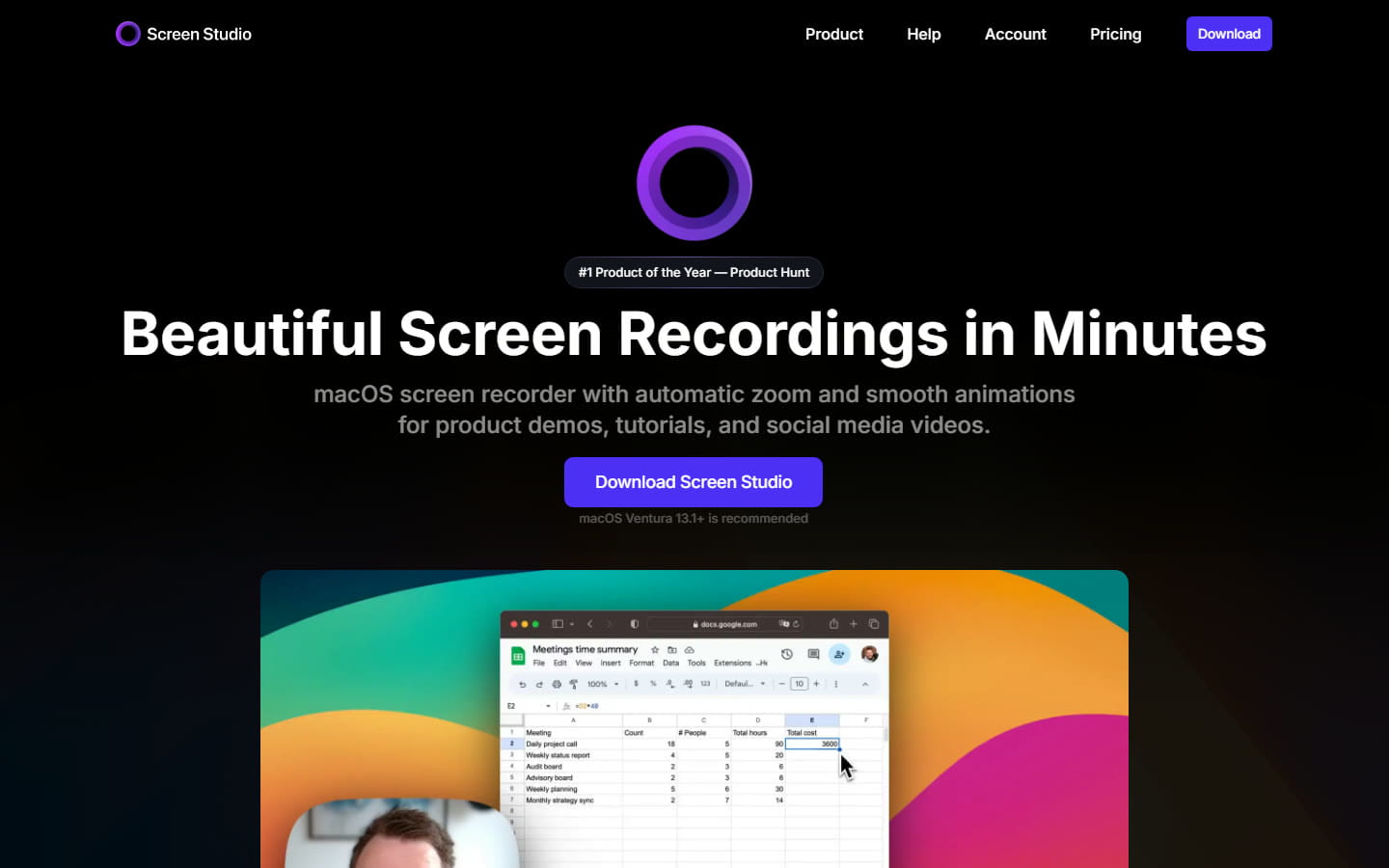
It is the most polished product in this list and nobody in it seriously argues otherwise. Webcam overlay, motion blur, recording an iPhone over USB, background music, GIF export. If you make videos for a living, on a Mac, $108 a year is not the deciding factor and you should probably just keep paying it.
Pick ScreenCursor if you want it finished when you stop recording
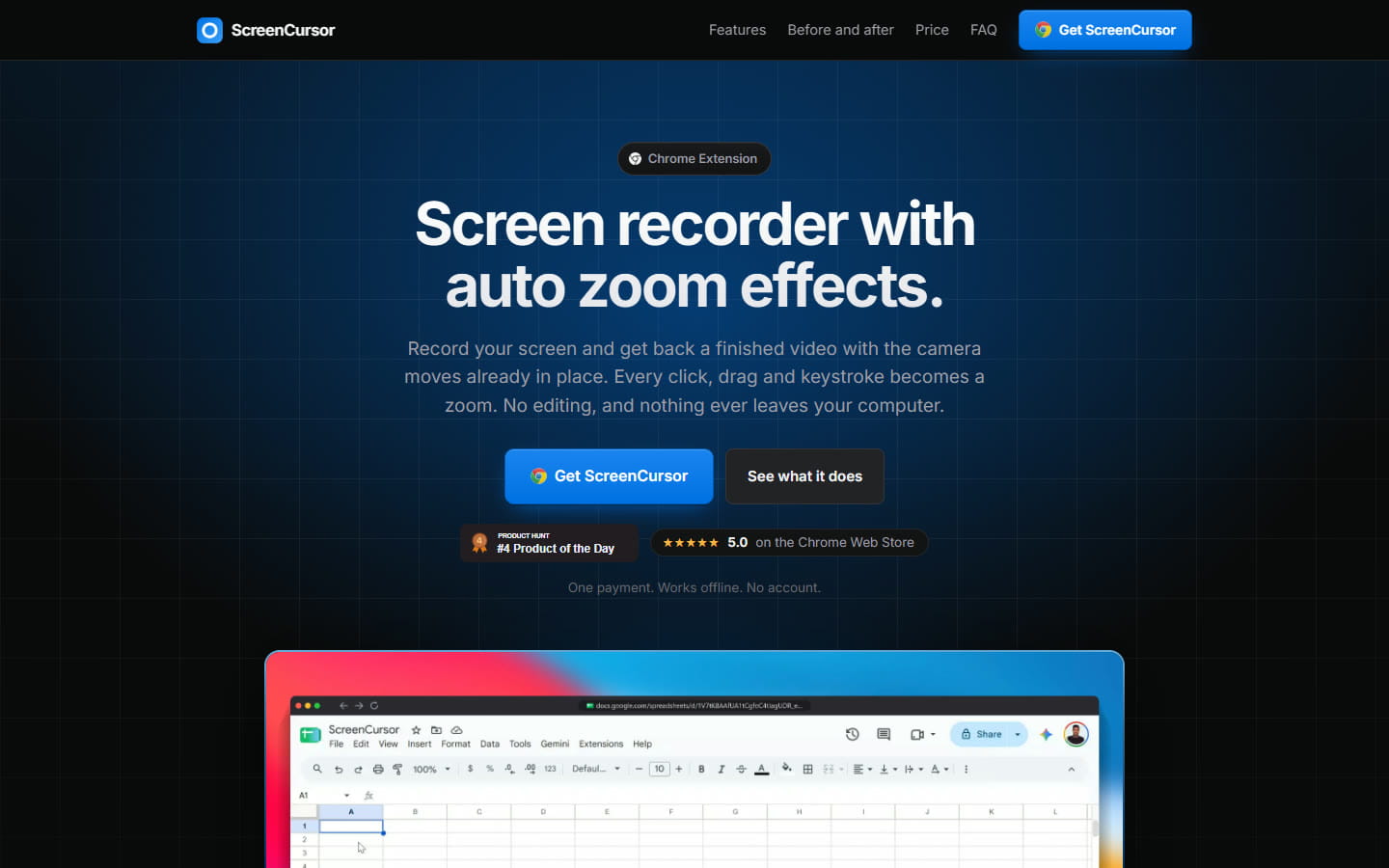
$49 once, three computers, no watermark, no subscription and no account. Every click, drag and keystroke becomes a zoom, placed slightly before the action so the viewer is already looking at the right place. If it puts one in the wrong spot, the editor is right there: retime it, push the depth in or out, or delete it. Nothing is uploaded, which matters if you record customer data or anything under NDA.
The honest catch is that there is no free trial. You buy, then you install. Polar handles payment as merchant of record and refunds go through them, so the risk is a refund request rather than a loss, but it is still buying before trying.
Pick Screen Charm if you are on a Mac and want to pay once
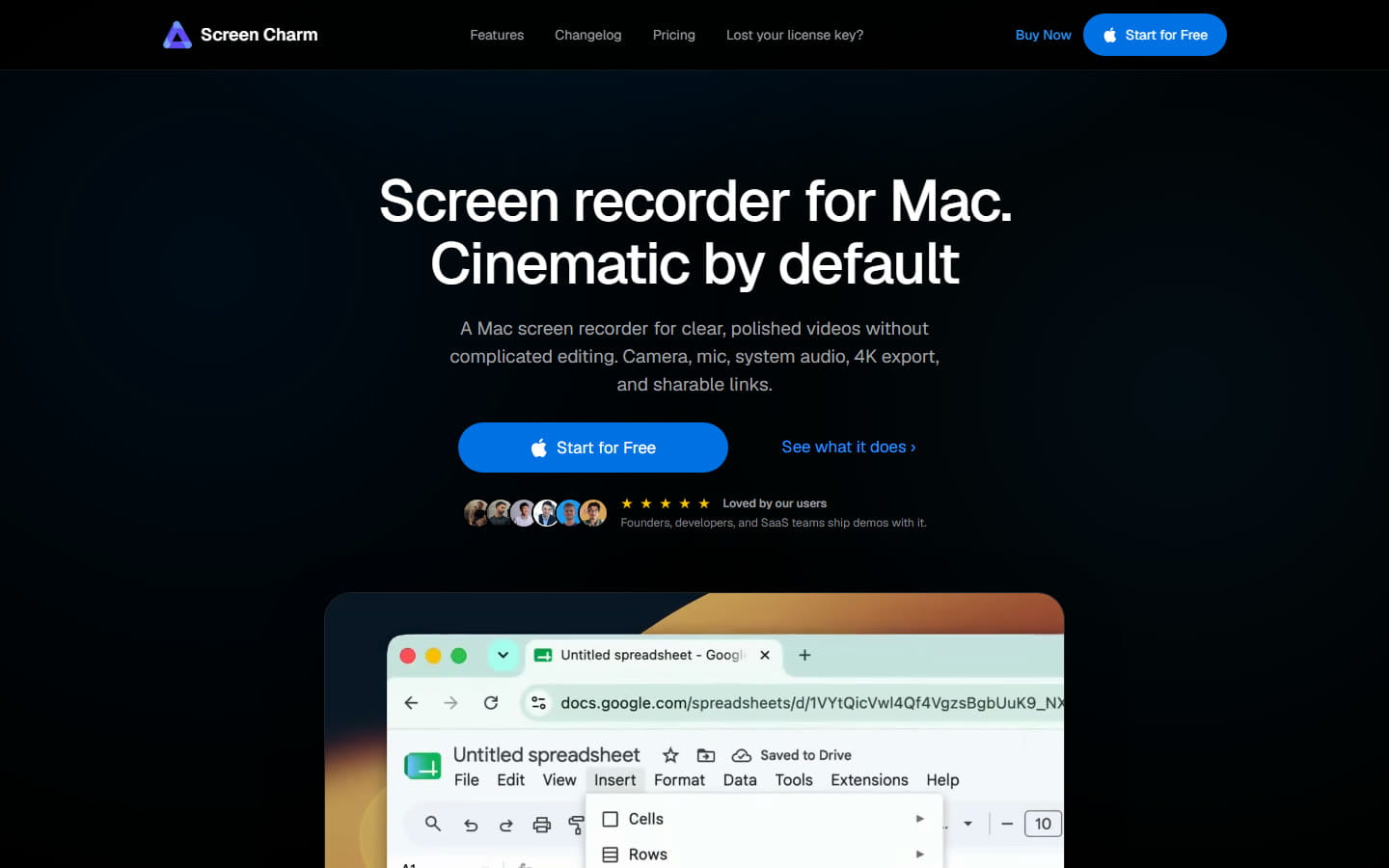
A native Mac app with automatic zoom, $79 once for three devices. If you like how Screen Studio works but not paying for it every year, it is the nearest thing to that on a Mac. It does not run on Windows or Linux, so if either of those is why you are here, it does not solve the problem.
Pick ScreenSmooth if you have already tried it and liked it
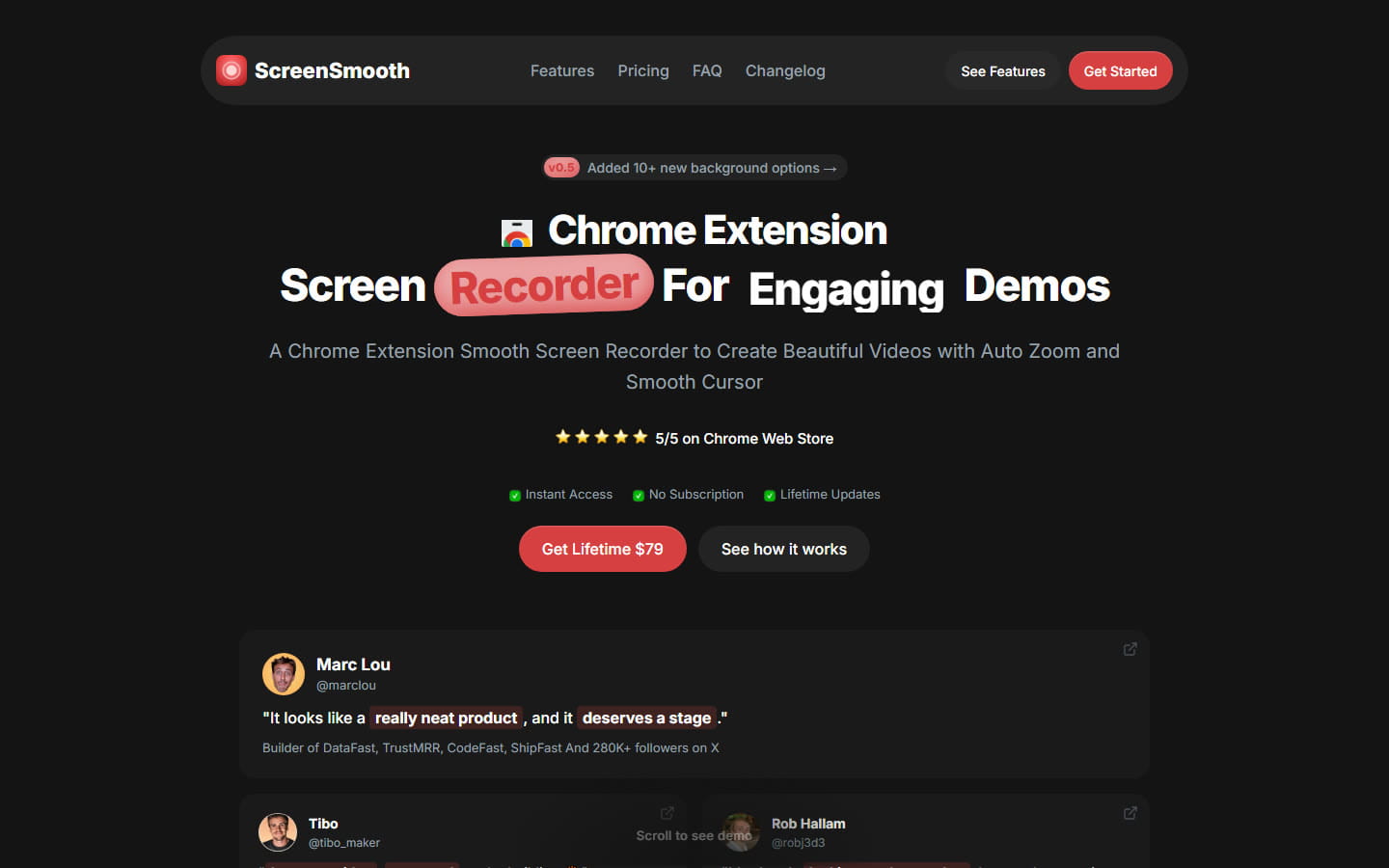
Feature for feature it is close to ScreenCursor: Chrome extension, auto zoom, smooth cursor, one-time payment, same three operating systems. It is $79 against our $49, and the site says that is going to $99. We would rather you bought ours, but if you are already using it there is nothing here worth switching for.
Pick FocuSee if you want a native Windows app rather than a browser
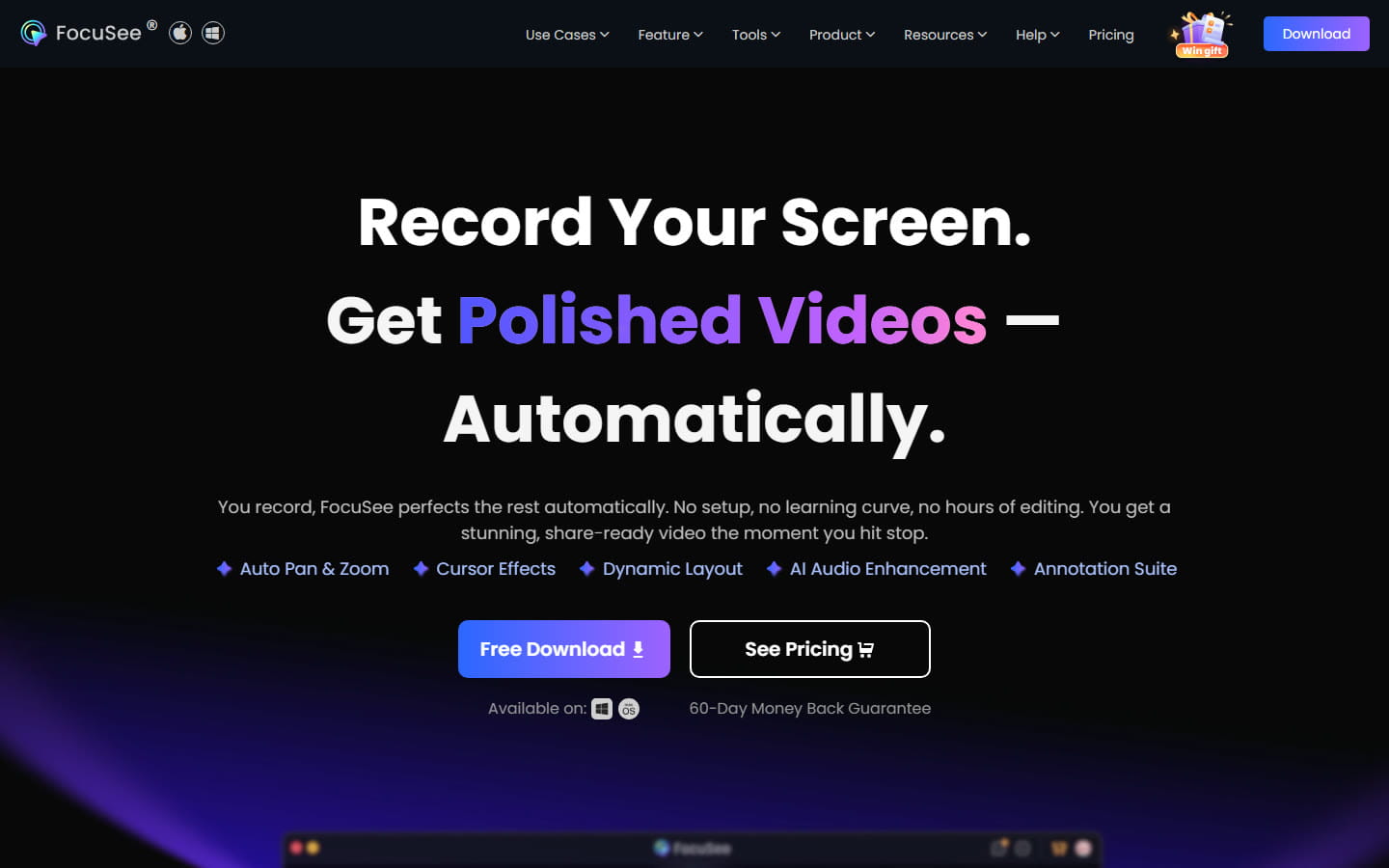
Some people do not want their screen recorder living in a browser tab, and that is a fair preference. FocuSee is a real Windows and Mac application with auto zoom and a 60-day money back guarantee on its yearly and lifetime plans. The cost is that it is a subscription, from $49.99 a year, unless you pay $199.99 once.
Pick OBS Studio if you have time and no budget
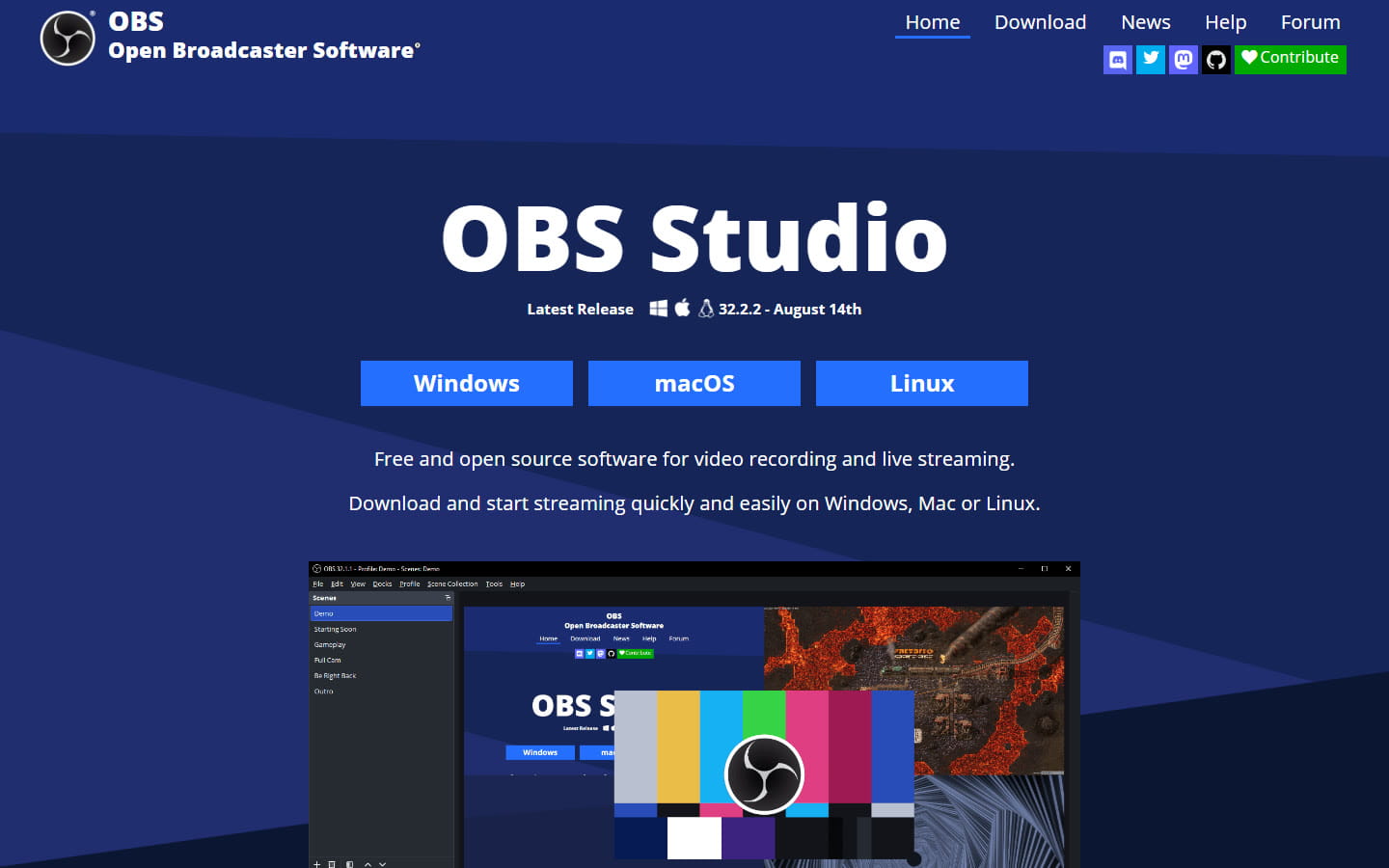
Free, open source, runs everywhere, and used by most of the people streaming on the internet. It has no automatic zoom at all. You can get a similar result by cutting the recording up in a video editor afterwards and adding the zooms by hand, which works perfectly well and takes longer than the recording did. That trade is the entire reason this category of tool exists.
ScreenCursor against Screen Studio, directly
| ScreenCursor | Screen Studio | |
|---|---|---|
| Price | $49 once | $108 a year |
| Cost over three years | $49 | $324 |
| Runs on Windows | Yes | No |
| Runs on Linux | Yes | No |
| Computers per license | 3 | Per account |
| Automatic zoom | Yes | Yes |
| Works without an account | Yes | No |
| Works offline | Yes | Yes |
| Nothing uploaded | Yes | No |
| Webcam overlay | No | Yes |
| Record an iPhone | No | Yes |
| Try before paying | No | Record and edit, no export |
The short version: Screen Studio does more, ScreenCursor costs less and runs in more places. If you are on a Mac and you need a webcam bubble in the corner, buy Screen Studio. If you are on Windows, or you would rather pay once, that decision is already made for you.
Whichever you pick, planning and recording the demo works the same way. Our guide on how to make a product demo video goes through it step by step, on Windows or Mac.
Common questions
- Does Screen Studio work on Windows?
- No. Screen Studio is macOS only, and macOS Ventura 13.1 or later is recommended. Its own website says there are no near-future plans to add Windows support. If you are on Windows and want automatic zoom, you need a different tool. Chrome extensions such as ScreenCursor and ScreenSmooth run on Windows, macOS and Linux because they run inside the browser rather than as a native app.
- How much does Screen Studio cost in 2026?
- Screen Studio costs $29 per month billed monthly, or $9 per month billed yearly, which works out at about $108 per year. It is a subscription. The one-time lifetime license Screen Studio sold in earlier years is no longer offered, which is why older comparison articles still quote figures like $89 or $149.
- Is there a Screen Studio alternative with a one-time payment?
- Yes. ScreenCursor is $49 once and covers three computers. ScreenSmooth is $79 once. Screen Charm is $79 once and also covers three devices, but it runs on macOS only. FocuSee sells a lifetime option at $199.99 alongside its yearly plans. Screen Studio itself is subscription only as of September 2026.
- Is there a cheaper alternative to Screen Studio?
- Yes. Screen Studio costs about $108 a year and keeps charging. ScreenCursor is $49 once, which is less than six months of Screen Studio and never renews: over three years that is $49 against $324. ScreenSmooth is $79 once. FocuSee starts at $49.99 a year. OBS Studio is free but has no automatic zoom, so you would be placing every zoom by hand in an editor afterwards.
- Is there a free Screen Studio alternative?
- Yes, with conditions. Cap is free for personal use and generates zooms from your clicks. ScreenArc is free and open source. OBS Studio is free and runs everywhere, but it has no automatic zoom, so every zoom would be placed by hand in a video editor afterwards. FocuSee offers a free trial that lets you export one video in up to 4K. All of these are compared at https://screencursor.com/best-auto-zoom-screen-recorders.
- Can I get automatic zoom without installing a desktop app?
- Yes. ScreenCursor and ScreenSmooth are Chrome extensions, so there is no installer, no admin rights needed and no operating system requirement beyond having Chrome. That is also why they work on Windows and Linux, where Screen Studio does not run at all.
- Can I try ScreenCursor before buying it?
- There is no free trial or watermarked tier. ScreenCursor is $49 once and you buy before you install. Payment is handled by Polar as merchant of record, and refunds go through them, so if it does not do what you needed you can ask for your money back. If trying before paying matters to you, FocuSee has a free trial that exports one video.
- Does ScreenCursor upload my recordings anywhere?
- No. Recording, zoom calculation, editing and export all happen inside Chrome on your own computer. No video or audio is transmitted, there is no account to create, and the only network request the extension makes is to check your license key with Polar, at most once a fortnight. It keeps working offline.
ScreenCursor is $49 once, going to $79. Windows, macOS and Linux, three computers, no watermark, no subscription, and nothing ever leaves your machine. See what you get.
Prices and features on this page were checked against each vendor’s own website on 5 October 2026. Software pricing changes often. If you find something out of date here, tell us at support@screencursor.com and we will fix it. Screen Studio, Screen Charm, ScreenSmooth, FocuSee and OBS Studio are the property of their respective owners and are named here for comparison.