
Cursorful alternative: ScreenCursor vs Cursorful
Prices and features checked 10 October 2026
Short answer. Cursorful is a popular Chrome extension with automatic zoom, and its free plan is good, but it is for non-commercial use only. Recording for work, or recording your microphone, needs Cursorful Pro: $79 once per seat when we checked, for one user. ScreenCursor is $49 once for three computers, includes the microphone, and zooms on every click, drag and keystroke, where Cursorful’s automatic zoom starts only when two or more clicks land within three seconds. Stay with Cursorful if you want a free plan for personal videos, or need its webcam, captions, share links, 4K export or desktop apps.
Why people look for a Cursorful alternative
Cursorful gives a lot away for free, so the reasons people move on are specific. Four come up.
- The free plan is for non-commercial use. It has no time limit and no sign-up, but Cursorful labels it non-commercial and lists commercial use as part of Pro. A product demo or a walkthrough for a client means buying a seat.
- Your microphone needs Pro. Cursorful lists microphone and camera support among Pro’s features, so narrating over a free recording means upgrading.
- Auto zoom needs two clicks within three seconds. That is the rule in Cursorful’s own FAQ. A single click and a pause, which is common when you are explaining something, gets no automatic zoom, and you add that one in the editor.
- Pro is priced per seat. It was $79 once per seat when we checked, listed at $119 and discounted for Cursorful’s V2 launch. A seat is one user, with the desktop app on two devices and the extension on three browser profiles.
ScreenCursor vs Cursorful, side by side
Every Cursorful figure was read off cursorful.com and its Chrome Web Store listing on 10 October 2026, not copied from another comparison article.
| ScreenCursor | Cursorful | |
|---|---|---|
| Price for work use | $49 once | $79 once per seat |
| What one license covers | 3 computers | 1 user: 2 desktop devices, 3 browser profiles |
| Free plan for personal use | No | Yes |
| Zooms on a single click | Yes | No |
| Records your microphone | Yes | Pro |
| Captions | No | Yes |
| 4K export | No | Pro |
| Desktop apps for Mac and Windows | No | Pro |
| Nothing uploaded by default | Yes | Yes |
| No watermark | Yes | Yes |
| Refunds | Through Polar | 14 days, no questions |
“Pro” means the feature needs Cursorful Pro. Its $79 is the V2 launch price, listed at $119, and Pro is a one-time payment, not a subscription. ScreenCursor is our own product, so treat our opinion of it accordingly. The prices are checkable and we would rather you checked them.
How each one decides where to zoom
Cursorful’s FAQ says its automatic zoom is triggered when two or more clicks happen within a 3-second window, and the zoom keeps following your cursor while the clicks keep coming. That suits fast clicking. Click once, stop to explain, then click again, and neither click starts a zoom. Cursorful’s editor handles manual zooms well, so you can add those by hand.
ScreenCursor turns every click, drag and keystroke in a web page into a zoom. Each one starts a beat before the action, so the viewer is already looking at the right spot, then holds steady and follows your cursor. Below is one recording before and after ScreenCursor placed its zooms, untouched by hand.
Every zoom stays editable in both. In ScreenCursor you can retime one, push it deeper or shallower, delete it, or aim it at a different part of the screen with Zoom focus point.
Which one fits you
Stay with Cursorful if your videos are personal, or you need what Pro adds
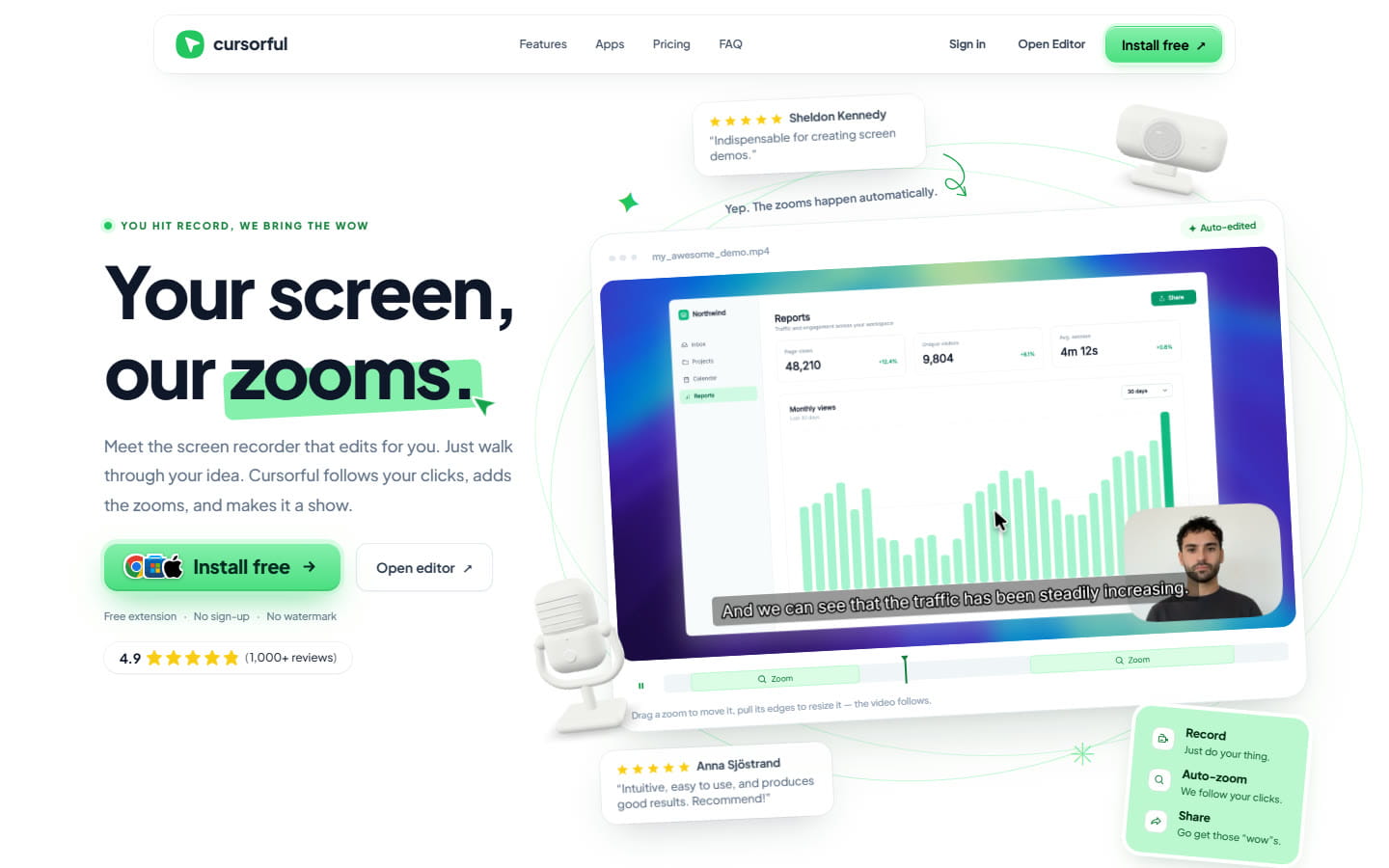
Cursorful is well liked: 60,000 users and 4.9 stars from about 1,100 ratings on the Chrome Web Store when we checked. For personal videos, the free plan does a lot with no sign-up and no watermark: automatic zoom, editing and unlimited exports, rendered on your own computer.
Pro adds what work videos often need: commercial use, your microphone and camera, 4K export, share links, and desktop apps for Mac and Windows that record any app on screen. Cursorful also writes captions from your audio, on your device. If you need your webcam in the video, captions or a link to share, stay with Cursorful. Its refund policy is 14 days, no questions asked.
Pick ScreenCursor if you make videos for work and want every click zoomed
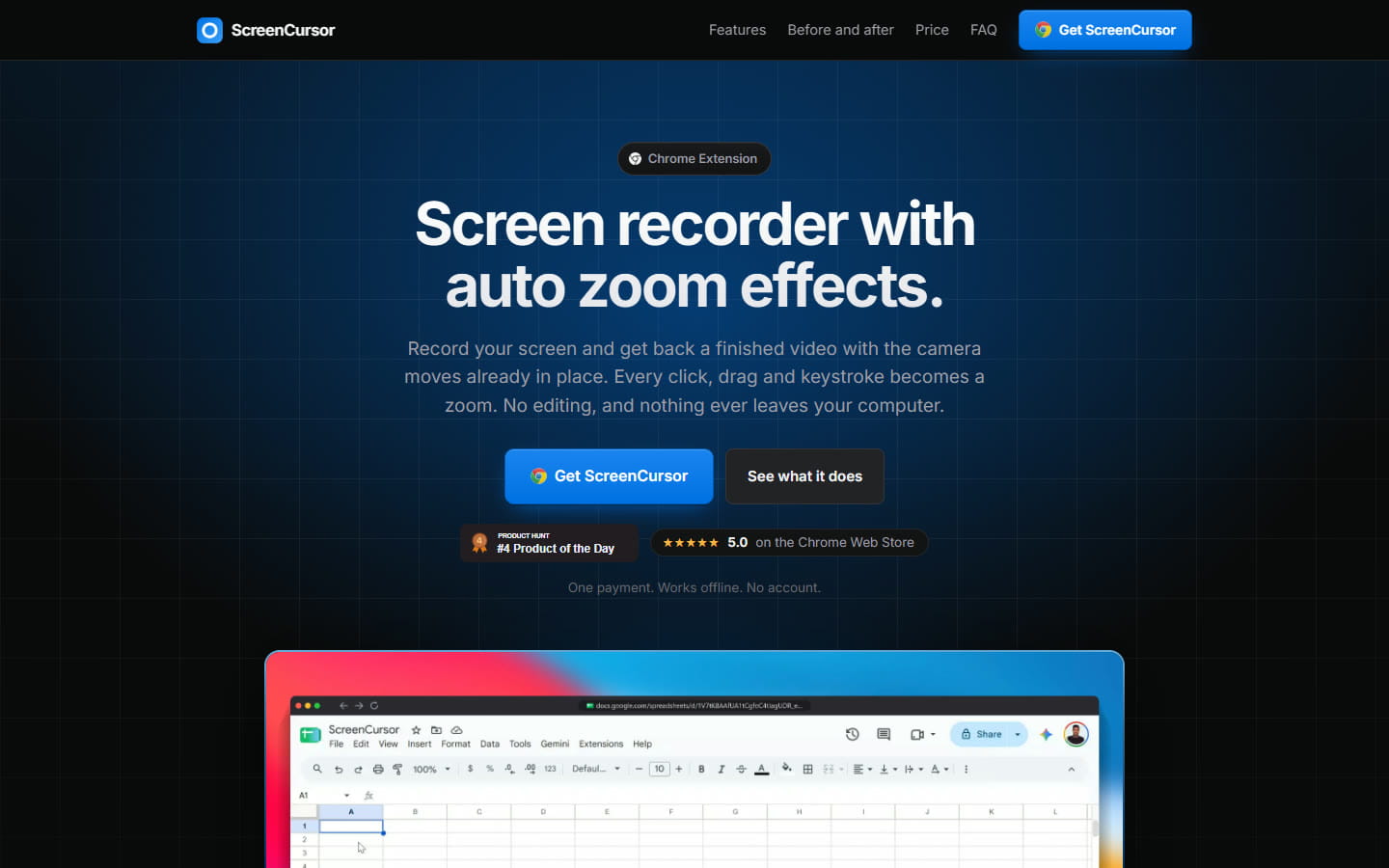
$49 once covers three computers, with no subscription, no account and no watermark. Every click, drag and keystroke in a web page becomes a zoom while you record, so a demo with pauses in it still gets a zoom on every step. Your microphone and system audio are included, the editor lets you retime, deepen, aim or delete any zoom, and nothing is uploaded, which matters if you record customer data or anything under NDA.
The honest catch is that there is no free plan or trial: you buy, then you install. Polar handles payment as merchant of record, and refunds go through them.
Moving from Cursorful to ScreenCursor
- Keep what you made. Cursorful renders exports on your computer, so the videos you exported are already files you own.
- Install and unlock. Buy ScreenCursor and the Chrome Web Store link arrives with your license key. Add it to Chrome and enter the key. It activates on up to three computers.
- Record the way you already do. Pick a tab, a window or the whole screen, with your microphone and system audio if you want them. When you stop, every click, drag and keystroke already has its zoom.
- Export. Adjust anything you like and export an MP4 at up to 1080p and 60 fps, with no watermark.
For your first demo after switching, our guide on how to make a product demo video covers planning the clicks, recording in one take and editing the zooms.
Common questions
- Is Cursorful free?
- Yes, for non-commercial use. Cursorful’s free plan has no time limit and no sign-up, and includes browser recording, automatic zoom, editing and unlimited exports with no watermark. Using it for work, recording your microphone or camera, exporting in 4K and the desktop apps need Cursorful Pro, which was $79 once per seat on 10 October 2026.
- Can I use Cursorful’s free plan for work?
- No. Cursorful labels its free plan for non-commercial use, and lists commercial use, for one user, as part of Pro. A product demo, a client walkthrough or a sales video made for a business needs a Pro seat.
- What triggers Cursorful’s auto zoom?
- Cursorful’s own FAQ says auto zoom is triggered when two or more clicks happen within a 3-second window, and the zoom keeps following the cursor while clicks keep coming. A single click followed by a pause starts no automatic zoom, though you can add one by hand in its editor. ScreenCursor turns every click, drag and keystroke in a web page into a zoom.
- How much is Cursorful Pro?
- Cursorful Pro was $79 once per seat on 10 October 2026, listed at $119 and discounted for its V2 launch. It is a one-time payment, not a subscription. A seat is one user, with the desktop app on 2 devices and the extension on 3 browser profiles, plus 10 GB of shared cloud storage; more costs $0.02 per GB a month. Cursorful offers a 14-day, no-questions refund.
- Is ScreenCursor cheaper than Cursorful?
- For work, yes. ScreenCursor is $49 once and covers three computers. Cursorful Pro, which you need for commercial use, was $79 once per seat for one user on 10 October 2026. For personal videos Cursorful’s free plan costs nothing, and ScreenCursor has no free plan.
- Does Cursorful upload my videos?
- No, unless you opt in to its cloud features, such as share links. Cursorful renders exports on your own computer. ScreenCursor never uploads: recording, editing and export all happen inside Chrome on your computer, and the only network request the extension makes is to check your license key with Polar.
- Does Cursorful work on Windows, Mac and Linux?
- Its extension records in Chrome, Edge and Brave on Windows, macOS and Linux, and does not support Firefox. Pro adds desktop apps for Mac and Windows that record any app on screen. ScreenCursor runs in Chrome on Windows, macOS and Linux.
ScreenCursor is $49 once, going to $79. Every click becomes a zoom, every zoom stays editable, and nothing ever leaves your computer. Windows, macOS and Linux, three computers, no watermark, no subscription. See what you get.
Cursorful’s prices and features on this page were checked on cursorful.com and its Chrome Web Store listing on 10 October 2026. Its Pro price is a launch discount and may change. If you find something out of date here, tell us at support@screencursor.com and we will fix it. Cursorful is the property of its owner and is named here for comparison.