
Loom alternatives with auto zoom
Prices and features checked 26 September 2026
Short answer. Loom is built for quick video messages shared by link. It has no automatic zoom yet, its free plan stops at 25 videos of 5 minutes each, and paid plans start at $18 per person a month. If you want demos that zoom in on every click by themselves, the options are ScreenCursor ($49 once, nothing uploaded), Tella (from $13 a month, with share links and a webcam), Cap (open source, free for personal use, $58 once for work) and Screen Studio (Mac only, from $9 a month). Pick ScreenCursor for a finished video file without a subscription. Pick Tella or Cap if you still need Loom-style links.
Why people look for a Loom alternative
Four reasons come up again and again, and three of them are about money or limits.
- The free plan runs out fast. Loom’s Starter plan allows 25 videos, each up to 5 minutes long. Past that, you pay.
- It is priced per person, every month. Business is $18 per person a month, 17% less billed yearly. The AI tools, such as automatic titles and summaries, removing “ums” and silences, and editing by transcript, are on Business + AI at $24.
- Your videos live on Loom. Loom is built around its own cloud: every video sits in your Loom library and is watched through a Loom link. On its pricing page, downloading your videos is listed as a Business plan feature.
- The recording is the whole screen, at one size. Loom does not zoom in on what you click, so small interface text stays small, which is hardest on anybody watching on a phone. Auto-zoom is listed under upcoming features on Loom’s own editing page, where it still was on 26 September 2026.
Every option, compared
Loom is in the first row, for reference. Every price below was read off the vendor’s own site on 26 September 2026, not copied from another comparison article.
| Tool | Price | Auto zoom | Share links | Runs on |
|---|---|---|---|---|
| Loom | Free, then $18 / month | Not yet | Yes | macOS, Windows, Chrome |
| ScreenCursorours | $49 once | Yes | No | Windows, macOS, Linux |
| Tella | From $13 / month | Yes | Yes | macOS, Windows, Chrome |
| Cap | Free, or $58 once | Yes | Yes | macOS, Windows, Linux |
| Screen Studio | $9 to $20 / month | Yes | Yes | macOS only |
Loom, Tella and Cap’s paid plans are priced per person. Tella’s $13 and Screen Studio’s $9 are billed yearly, and Loom is 17% less billed yearly. ScreenCursor is our own product, so treat our opinion of it accordingly. The prices are checkable and we would rather you checked them.
What auto zoom does to a screen recording
A screen recording shows everything at once. The button you clicked is a few pixels wide, the text you typed is smaller than the page around it, and the viewer spends the video hunting for your cursor. Video editors fix this with zooms placed by hand, one at a time, which usually takes longer than the recording did.
Auto zoom does that part for you. The camera moves in on what you click and type, holds while it matters, and pulls back out. Before is a plain screen capture, which is what any recorder without zoom gives you. After is the file ScreenCursor made from the same recording, untouched by hand.
How ScreenCursor’s zoom and editor work
Zooms placed while you record
Every click, drag and keystroke becomes a zoom. Each one arrives a beat before the action, so the viewer is already looking at the right place when it happens, then holds steady and follows your cursor. You choose a snappy or a gentle feel, and there is nothing to place by hand.
Automatic zoom aims at clicks and typing inside web pages, which is where it can see them. A recording of a desktop app gives it nothing to aim at, so there you place the zooms yourself, and Zoom focus point, below, makes that quick.
Every zoom stays editable
Nothing is baked in. Retime a zoom, push it deeper or shallower, delete the one you did not want, or add your own anywhere on the timeline. The preview rebuilds as you drag, so what you are watching is what exports.
Aim any zoom at exactly what matters
Right-click a zoom and choose Zoom focus point. A box appears over the preview showing what that zoom will show. Drag it over the part you want people to see, and that is what ends up in the video. It is also how you zoom into desktop apps.
Cut it, frame it, export it
Split the recording, delete the stretches nobody needs, and speed up the ones that drag. The zooms move with every cut. Sit the recording on a wallpaper, a gradient or your own image, add a browser frame showing the real page title, round the corners, and pick an aspect ratio, vertical included. Then export an MP4 at up to 1080p and 60 fps, straight to your Downloads folder, with no watermark.
Where each one actually fits
Stay with Loom if quick links and comments are the whole job
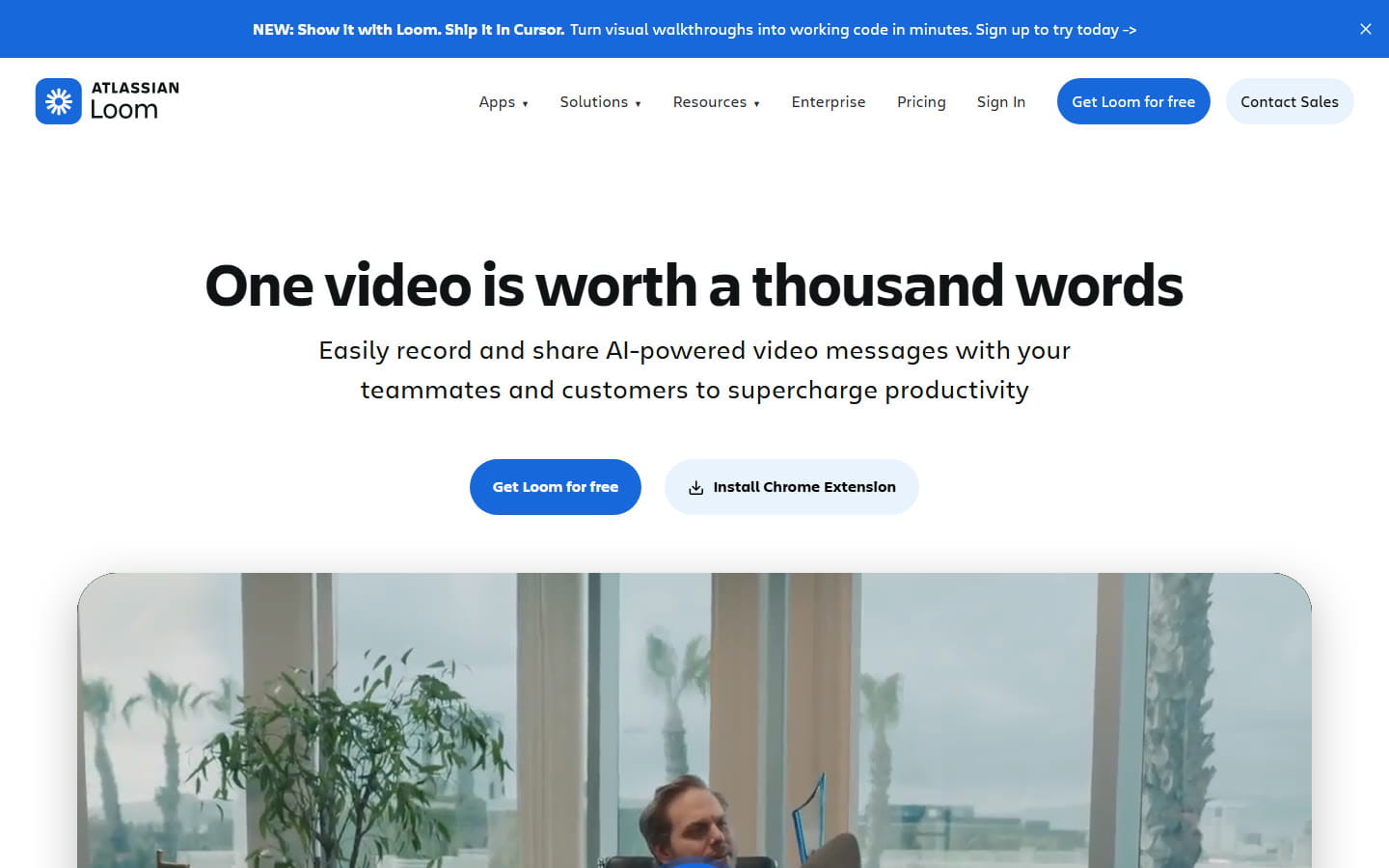
Loom is very good at what it was built for: record a message, paste the link into Slack, and see the replies, the reactions and who watched. It records your camera in a bubble on every plan, its editor trims and stitches clips and adds text, arrows and boxes, and the AI plan removes filler words and edits by transcript. If your videos are internal updates that nobody watches twice, nothing below is a clear upgrade and you should probably stay.
Where it falls short is the finished look. With no automatic zoom yet, a Loom of a busy interface is a small picture of a big screen.
Pick ScreenCursor if the video has to look finished
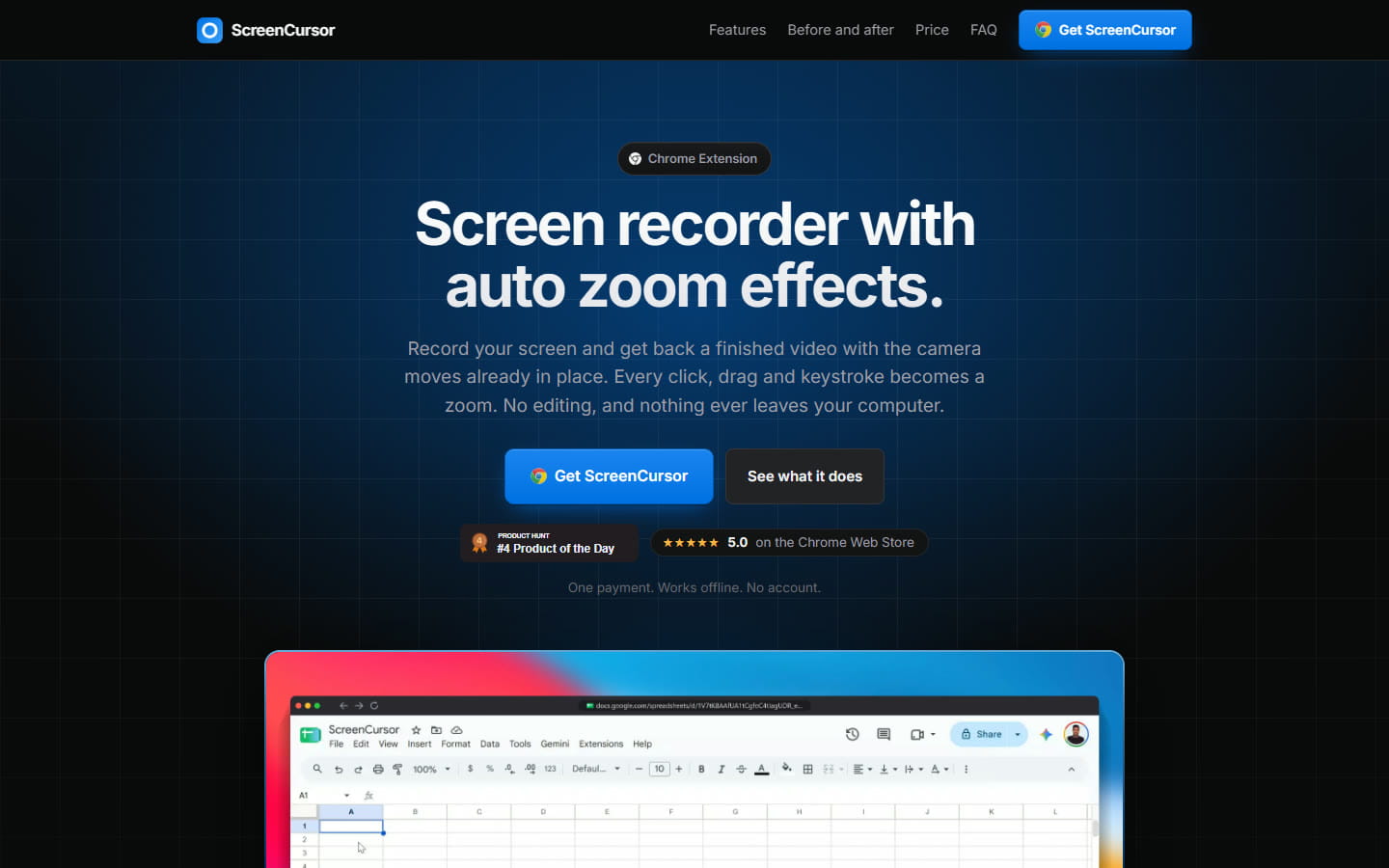
$49 once, three computers, no subscription, no watermark and no account. This is for the videos that outlive the week they were made in: the demo on your homepage, a walkthrough in your help center, a launch post, a sales follow-up. Every click, drag and keystroke becomes a zoom while you record, and the editor is there for the one you want to change. Nothing is uploaded, which matters if you record customer data or anything under NDA.
The honest catch is that there is no share link. You get an MP4 file and post it wherever your viewers already are. There is no webcam bubble, and no free trial either: you buy, then you install. Polar handles payment as merchant of record and refunds go through them.
Pick Tella if you want auto zoom and Loom-style links
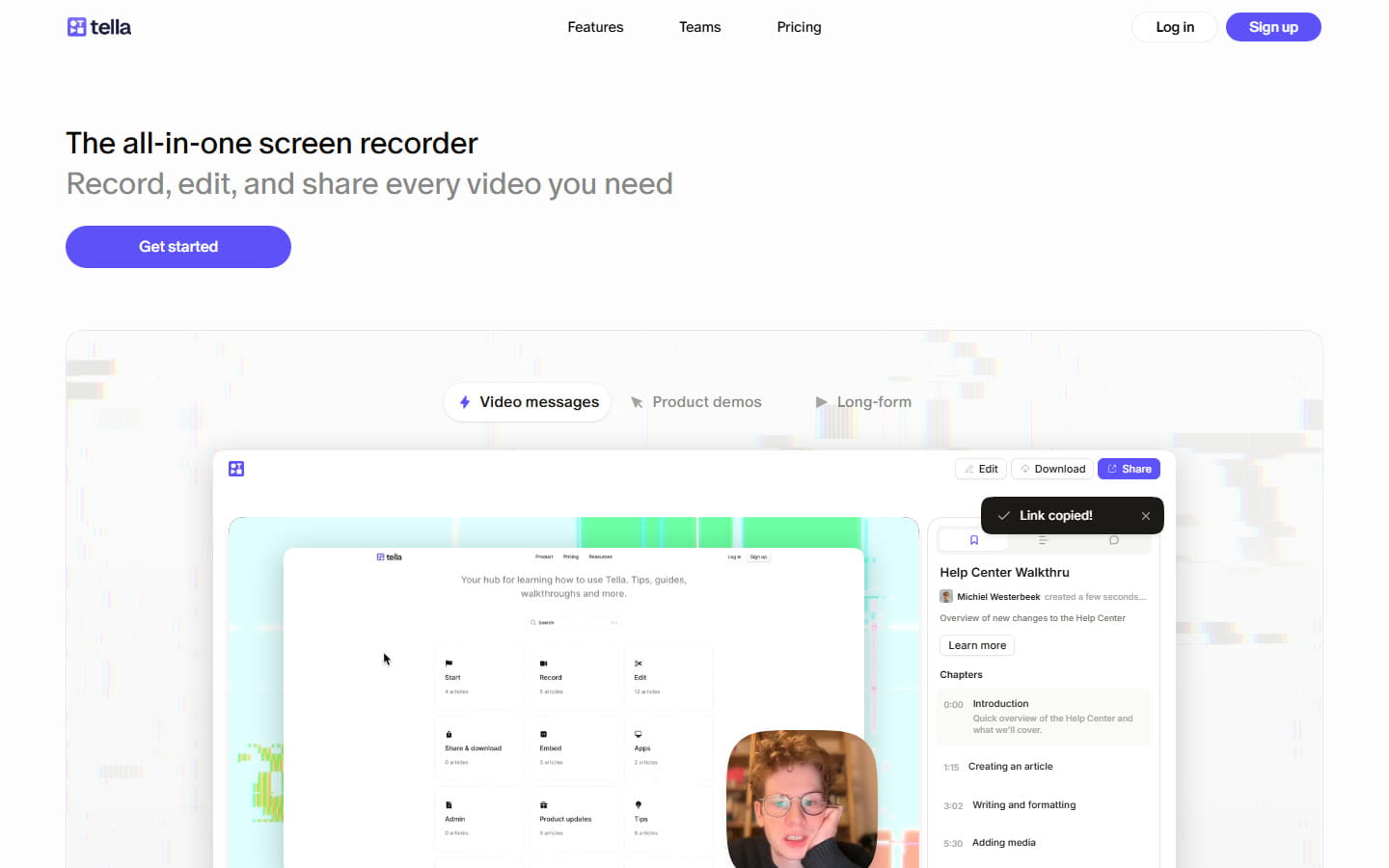
The closest thing here to a polished Loom. Tella records your screen and your camera as separate tracks, so the layout can change after recording, and it has Auto Zoom from its cheapest plan up. Videos are shared by link, and there are recorders for Mac and Windows as well as a Chrome extension.
It is a subscription: $13 a month for Pro or $19 for Premium, both billed yearly, with a 7-day free trial that needs no card. Removing Tella’s branding is a Premium feature. Over three years Pro comes to $468 against $49 for ScreenCursor, and the difference buys you hosting, links and a camera.
Pick Cap if you want it free and open source
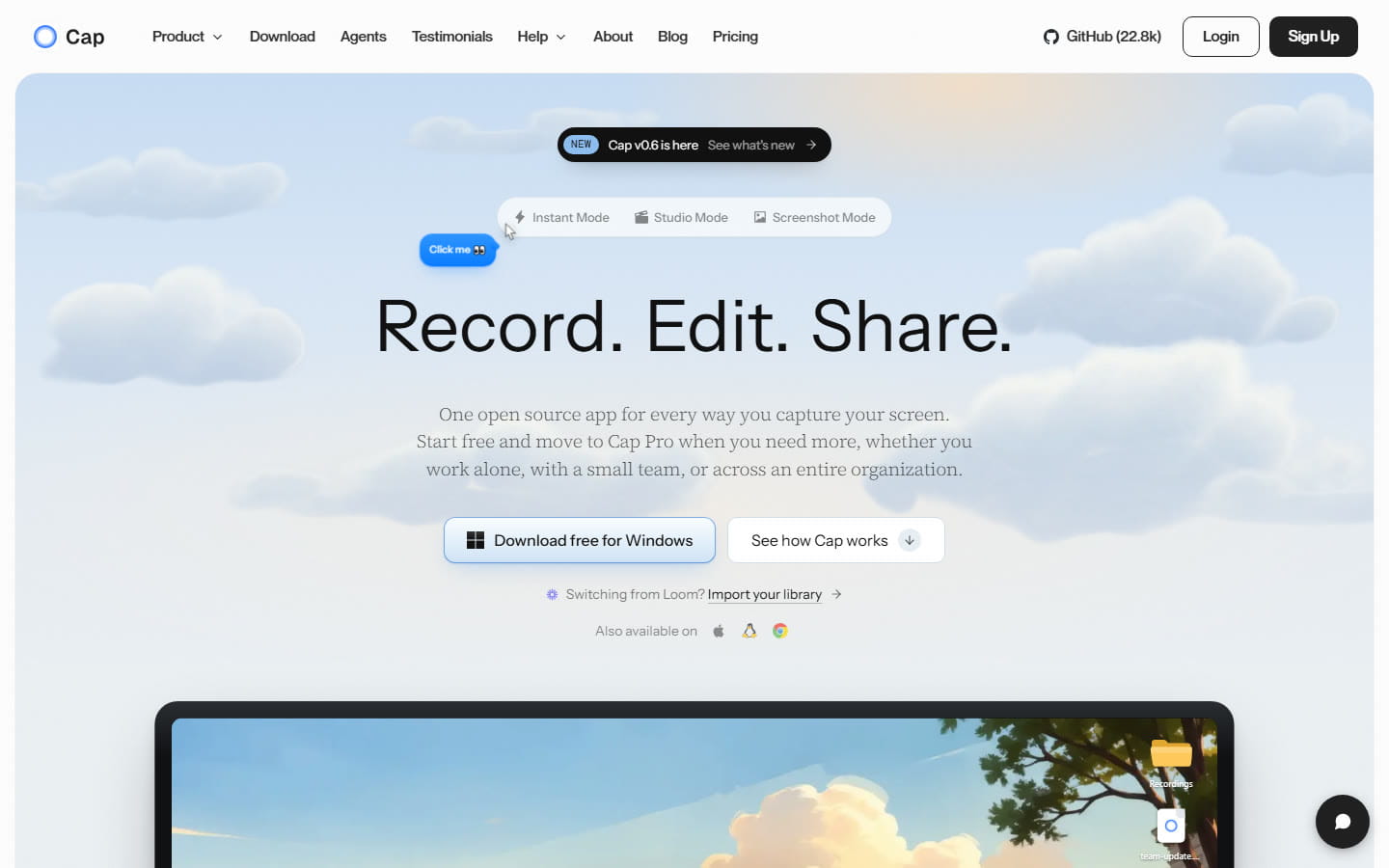
Cap is open source, calls itself a Loom alternative, and is the most complete one here. Instant Mode uploads while you record and puts a share link on your clipboard when you stop. Studio Mode records locally, with your camera on its own track, and generates zooms from your recorded clicks. It runs on Mac, Windows and Linux, and has a Chrome extension as well.
It is free for personal use, with share links of up to 5 minutes. Using it for work needs a Desktop License at $58 once or $29 a year, or Cap Pro at $12 per person a month ($8.16 billed yearly) for unlimited cloud sharing and team features. Next to ScreenCursor, the difference is in the zooms: Cap describes its own as generated from your clicks, and ScreenCursor makes them from clicks, drags and keystrokes, each placed just before the action.
Pick Screen Studio if you are on a Mac and polish is the job
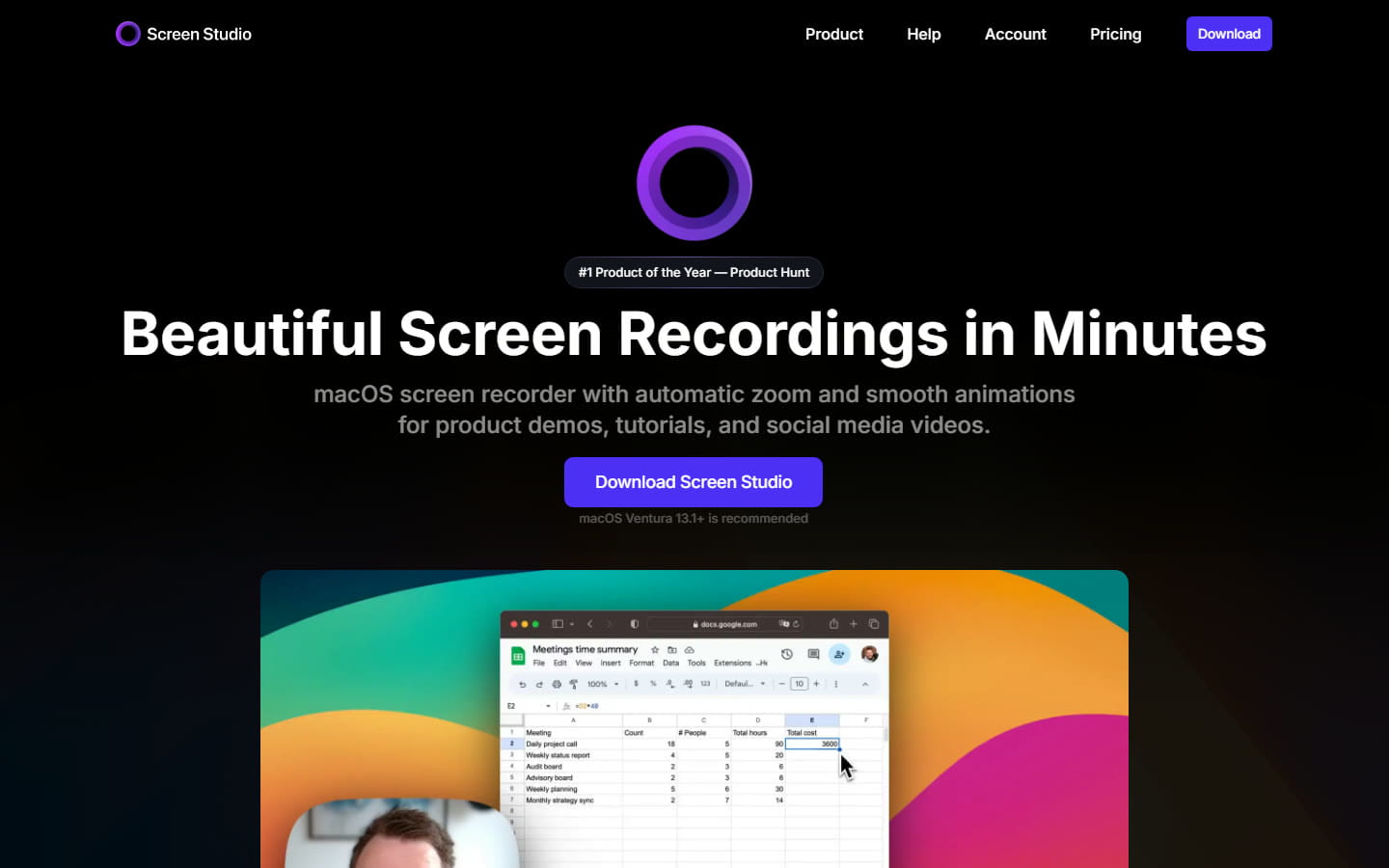
The most polished tool in this list, with automatic zoom, a webcam, and shareable links for sending a video to anyone. It is $20 a month, or $9 a month billed yearly, and it runs on macOS only. We compare it in detail, with the Windows options, on our Screen Studio alternatives page.
ScreenCursor against Loom, directly
| ScreenCursor | Loom | |
|---|---|---|
| Price | $49 once | $18 a month per person |
| Cost over three years, one person | $49 | $540 to $648 |
| Zooms in on clicks automatically | Yes | Not yet |
| Recording time limit | None | 5 min on the free plan |
| Works without an account | Yes | No |
| Nothing uploaded | Yes | No |
| Instant share link | No | Yes |
| Webcam bubble | No | Yes |
| Comments and viewer stats | No | Yes |
| Free plan | No | Yes |
The short version: Loom is better at sharing, and ScreenCursor is better at the video itself. You do not have to choose. Keep Loom for the quick “here is the bug” message, and use ScreenCursor for the demo that goes on your homepage.
Moving from Loom to ScreenCursor
- Keep your old videos. Download the Loom videos you want before you cancel. Loom lists downloading as a Business plan feature, so do it while your plan is still active.
- Install and unlock. Buy ScreenCursor and the Chrome Web Store link arrives with your license key. Add it to Chrome and enter the key. It activates on up to three computers.
- Record the way you already do. Pick a tab, a window or the whole screen, with your microphone and system audio if you want them. When you stop, the zooms are already there.
- Export and share. Adjust anything you like, export the MP4, and put it where your viewers are: Slack, Google Drive, YouTube, Notion or your help center.
Common questions
- What is the best Loom alternative?
- It depends on why you are leaving Loom. For product demos and tutorials that zoom in on every click without a subscription, ScreenCursor is $49 once and runs on Windows, macOS and Linux through Chrome. For automatic zoom together with Loom-style share links and a webcam, Tella starts at $13 a month billed yearly. For a free, open source option with share links, Cap is free for personal use and $58 once for commercial use. On a Mac, Screen Studio is $9 to $20 a month. Prices were checked on each vendor’s own site on 26 September 2026.
- Does Loom have auto zoom?
- Not yet. Loom’s own editing page lists auto-zoom as an upcoming feature, described as automatically highlighting key moments with dynamic zooms, and it was still listed that way on 26 September 2026. A Loom recording today shows the whole screen at one size, and you point at things by adding text, arrows and boxes. Tools that already zoom in automatically include ScreenCursor, Tella, Cap and Screen Studio.
- Is there a free Loom alternative?
- Cap is free for personal use. That includes share links of up to 5 minutes and a local Studio Mode that generates zooms from your clicks. Using Cap for work needs a paid license, $58 once or $29 a year. Tella has a 7-day free trial that needs no card. ScreenCursor has no free plan or trial: it is $49 once.
- Is there a Loom alternative with a one-time payment?
- Yes. ScreenCursor is $49 once and covers three computers, with no subscription. Cap sells a Desktop License for $58 once, for one person’s commercial use. Loom, Tella and Screen Studio are subscriptions.
- How much does Loom cost in 2026?
- Loom’s Starter plan is free, for up to 25 videos of up to 5 minutes each. Business is $18 per person per month and Business + AI is $24 per person per month, both 17% cheaper when billed yearly. Enterprise is priced on request. These prices were read off loom.com on 26 September 2026.
- Can ScreenCursor replace Loom for sharing videos by link?
- No. ScreenCursor gives you an MP4 file, not a hosted link, and it has no comments or viewer stats. You can send the file, or upload it anywhere that takes video, such as Slack, Google Drive, YouTube or Notion. If instant links and comments are what you use Loom for, keep Loom, or look at Tella or Cap, which both share by link.
- Does ScreenCursor record a webcam like Loom?
- No. ScreenCursor records your screen, system audio and microphone, but it has no webcam overlay. If a face in the corner matters to you, Loom, Tella, Cap and Screen Studio all record a camera.
- Does ScreenCursor upload my recordings?
- No. Recording, zoom calculation, editing and export all happen inside Chrome on your own computer. No video or audio is transmitted, there is no account to create, and the only network request the extension makes is to check your license key with Polar, at most once a fortnight. It keeps working offline.
ScreenCursor is $49 once, going to $79. Every click becomes a zoom, every zoom stays editable, and nothing ever leaves your computer. Windows, macOS and Linux, three computers, no watermark, no subscription. See what you get.
Prices and features on this page were checked against each vendor’s own website on 26 September 2026. Software pricing changes often, and Loom has said auto-zoom is coming. If you find something out of date here, tell us at support@screencursor.com and we will fix it. Loom, Tella, Cap and Screen Studio are the property of their respective owners and are named here for comparison.