
The best auto-zoom screen recorders for Windows and Mac
Prices and features checked 5 October 2026
Short answer. On Windows, good options that zoom in on your clicks by themselves are ScreenCursor ($49 once, runs in Chrome, our own), FocuSee (a desktop app from $49.99 a year) and Camtasia (a full video editor from $179.88 a year). On a Mac, Screen Studio is the most polished, at $9 a month billed yearly, and Screen Charm is $79 once. On Linux, use ScreenCursor in Chrome, or Cap. Free options include Cap, Recordly and ScreenArc. If you need share links and a webcam, Tella has auto zoom from $13 a month. Loom has no automatic zoom yet.
Jump to: Windows · Mac · Linux · Free · Share links and webcam · Desktop apps · Questions
What counts as auto zoom
An auto-zoom screen recorder watches where you click while you record, then moves the camera in on that spot, holds while it matters, and pulls back out. The video looks edited without you placing each zoom by hand. Every tool recommended on this page does that.
Here is the difference on the same recording. On the left is a plain screen capture, what any recorder without zoom gives you. On the right is the same recording after ScreenCursor placed its zooms, untouched by hand.
How we checked
- Every price was read off the tool’s own website on 5 October 2026, not copied from another list. Prices here move often: since we last checked in September, Screen Studio’s monthly plan and FocuSee’s yearly plan have both changed.
- Only tools that are still maintained. OpenScreen, an open-source recorder you may come across, has been archived by its author.
- We make ScreenCursor. Its row is marked, and where another tool is the better pick, we say so.
The auto-zoom screen recorders, compared
| Tool | Runs on | Price | Free to use |
|---|---|---|---|
| ScreenCursorours | Windows, macOS, Linux | $49 once | No |
| FocuSee | Windows, macOS | From $49.99 / year | Trial, 1 export |
| Camtasia | Windows, macOS | From $179.88 / year | With watermark |
| Tella | Windows, macOS, Chrome | From $13 / month | 7-day trial |
| Cap | Windows, macOS, Linux | Free, $58 once for work | Personal use |
| Recordly | Windows, macOS, Linux | Free | Open source |
| ScreenArc | Windows, macOS, Linux | Free | Open source |
| Screen Studio | macOS only | $9 to $29 / month | No export |
| Screen Charm | macOS only | $79 once | Free to try |
Screen Studio is $9 a month billed yearly or $29 billed monthly. Tella’s $13 is per person, billed yearly. All prices were read off each tool’s own site on 5 October 2026. ScreenCursor is our own product.
Best auto-zoom screen recorders for Windows
Screen Studio, the best-known tool in this category, only runs on macOS, and its own site says there are no near-future plans for Windows. On Windows, your choices fall into two groups: Chrome extensions, which run anywhere Chrome does, and desktop apps.
ScreenCursor: pay once, and nothing is uploaded
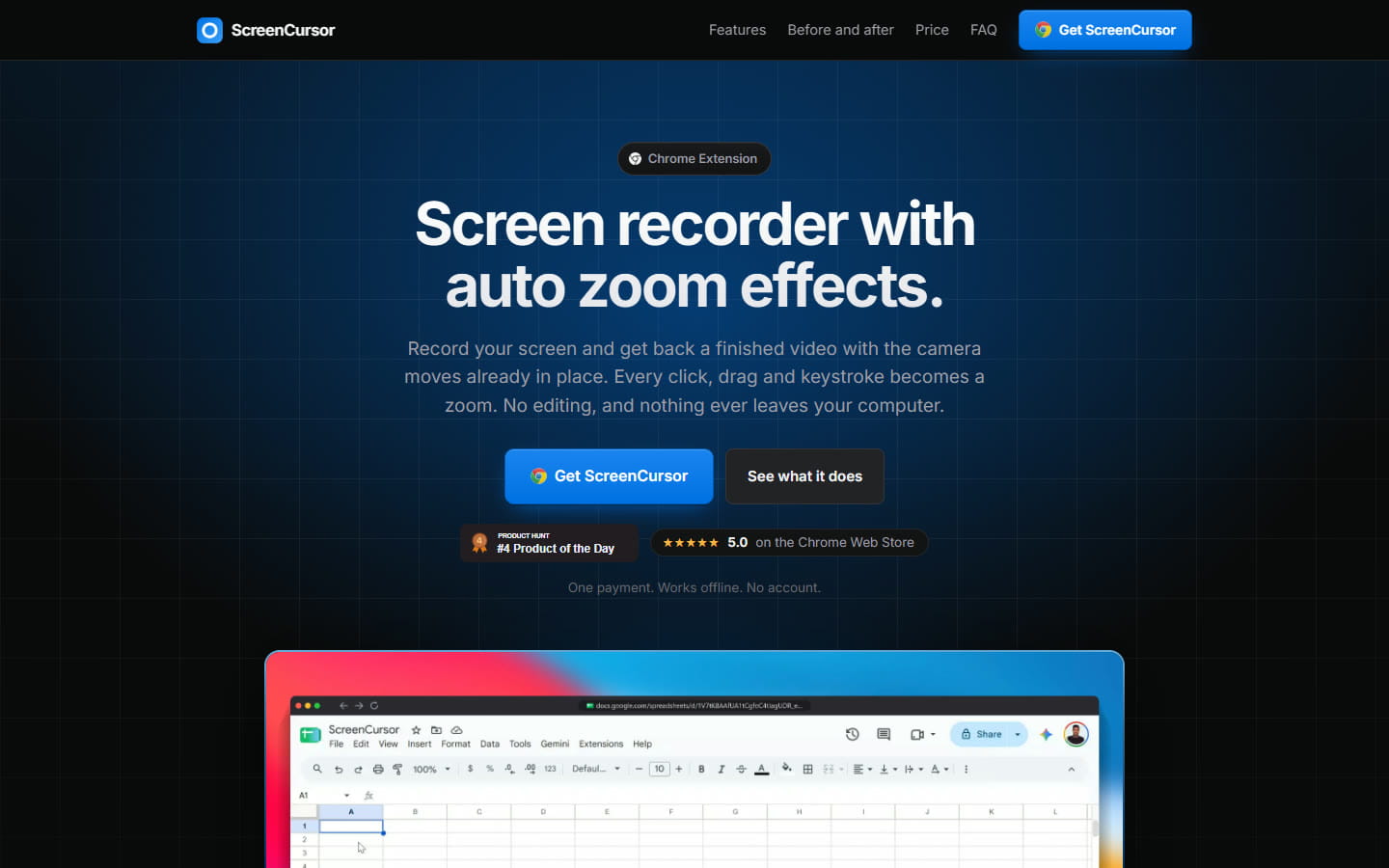
$49 once for three computers, with no subscription, no account and no watermark. Every click, drag and keystroke in a web page becomes a zoom that starts just before the action, and in the editor you can retime, deepen, aim or delete any of them. Recording, editing and export all happen on your computer, and you get an MP4 at up to 1080p and 60 fps.
Where it falls short: automatic zooms only happen in web pages, because a Chrome extension can’t see clicks inside desktop apps. You can still zoom into a desktop app by placing the zooms yourself. There’s no webcam, no share link, no captions and no free trial.
FocuSee: a desktop app instead of a browser extension
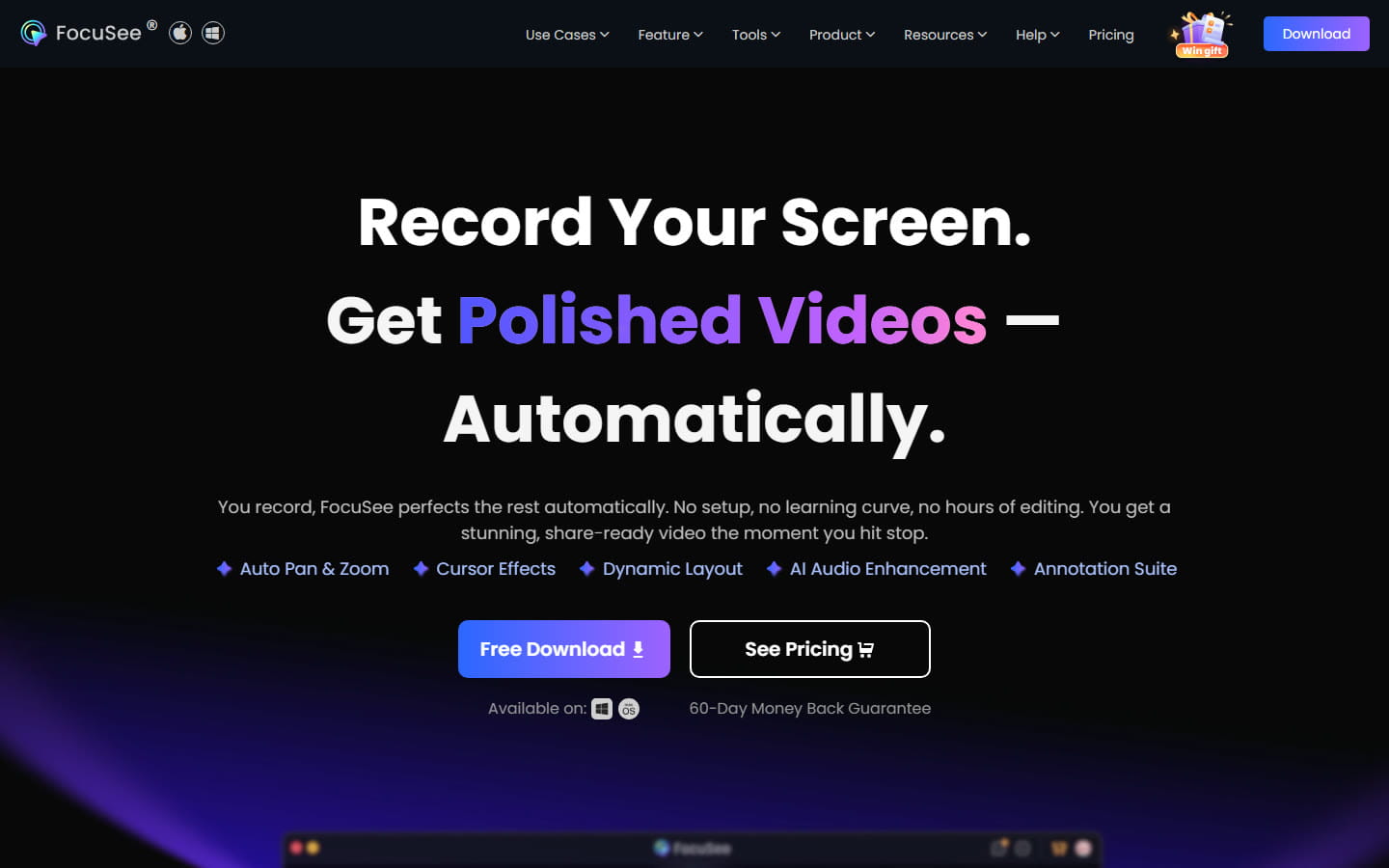
FocuSee is a native app for Windows and Mac, so it follows your clicks in any program, not just the browser. It’s a subscription: $49.99 a year for one computer, $79.99 a year for three, or $199.99 once for up to five. The free trial lets you export one video, in up to 4K, before you pay, and the yearly and lifetime plans come with a 60-day money-back guarantee.
Camtasia: when you need a full video editor
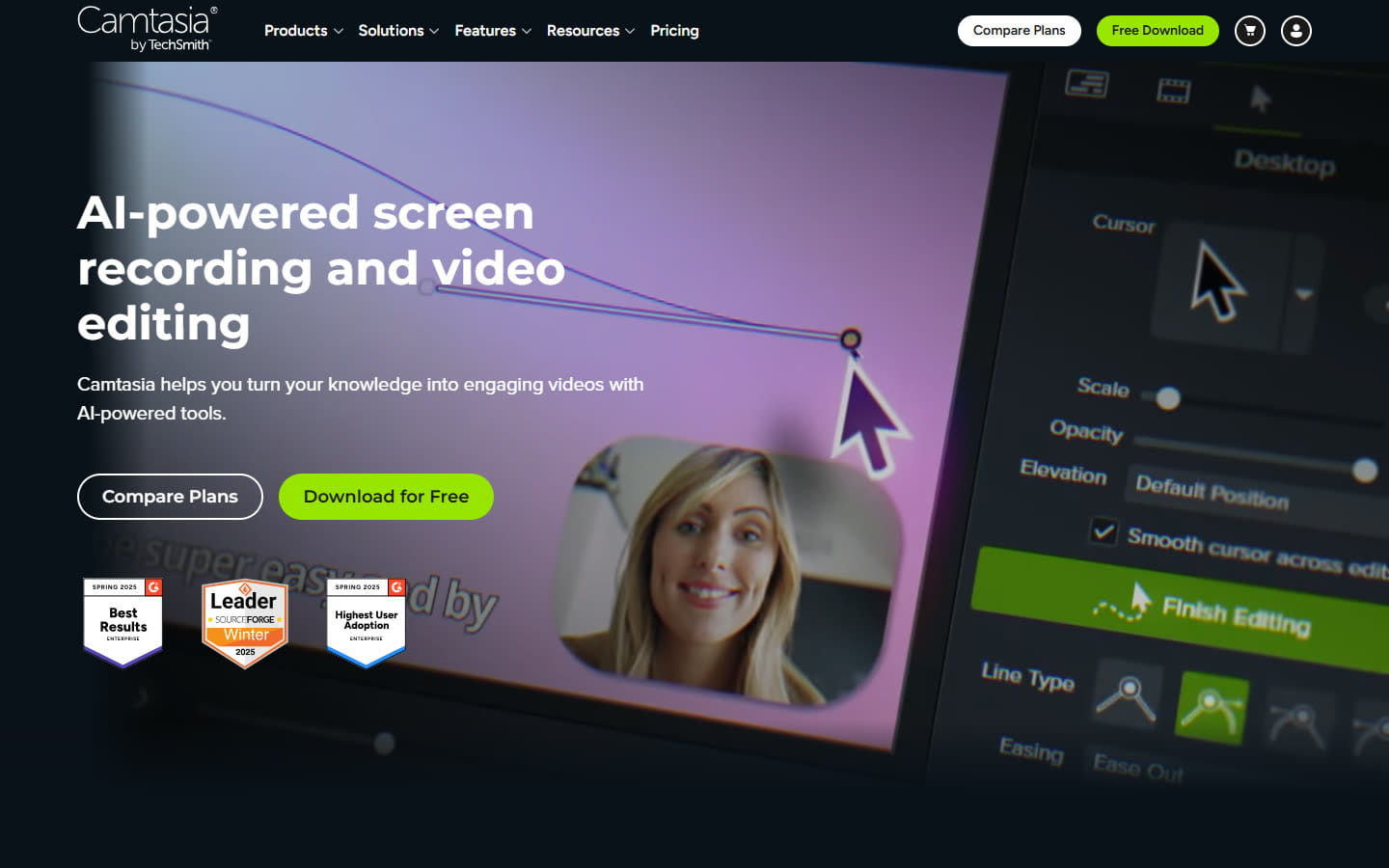
Camtasia is a complete video editor for Windows and Mac. Its SmartFocus feature adds zoom and pan animations to recordings made with Camtasia’s own recorder, based on your clicks, scrolling and mouse movement. You apply it in the editor, and TechSmith says it works best on clips longer than 30 seconds. The free editor exports with a watermark, and watermark-free plans start at $179.88 a year.
It’s far more editor than anything else here, and priced like it. If you mainly want the zooms, it’s more than you need.
Best auto-zoom screen recorders for Mac
Every tool in the Windows section runs on a Mac as well. Two more are Mac only.
Screen Studio: the most polished, if you’re on a Mac
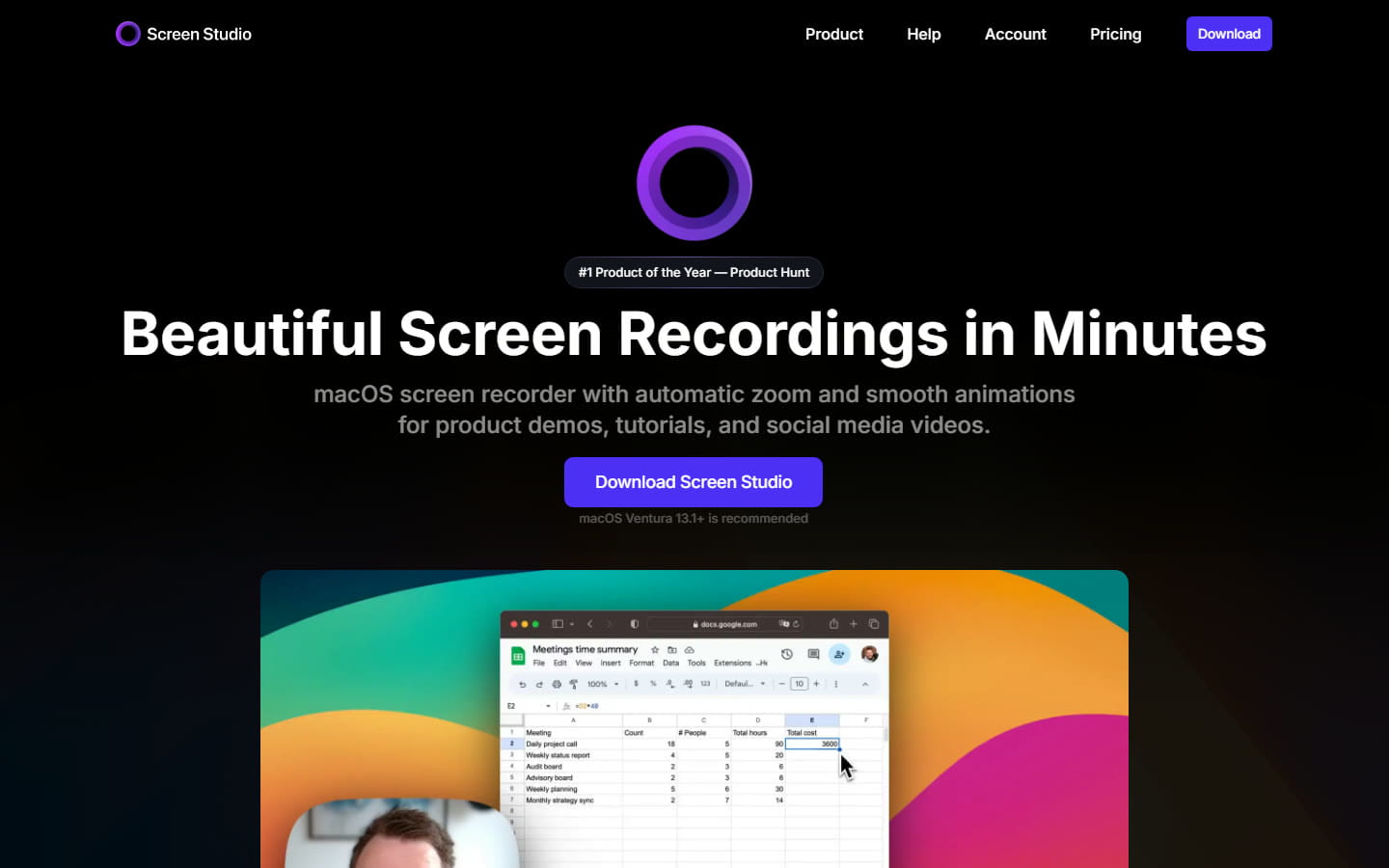
Screen Studio set the standard for this kind of video, and it’s still the most polished. Alongside automatic zoom, it records your webcam, shares videos by link, records an iPhone or iPad over USB and generates transcripts. It costs $9 a month billed yearly, which is $108 a year, or $29 billed monthly. You can record and edit without paying, but exporting needs a plan. It needs macOS, with Ventura 13.1 or later recommended.
Screen Charm: pay once on a Mac
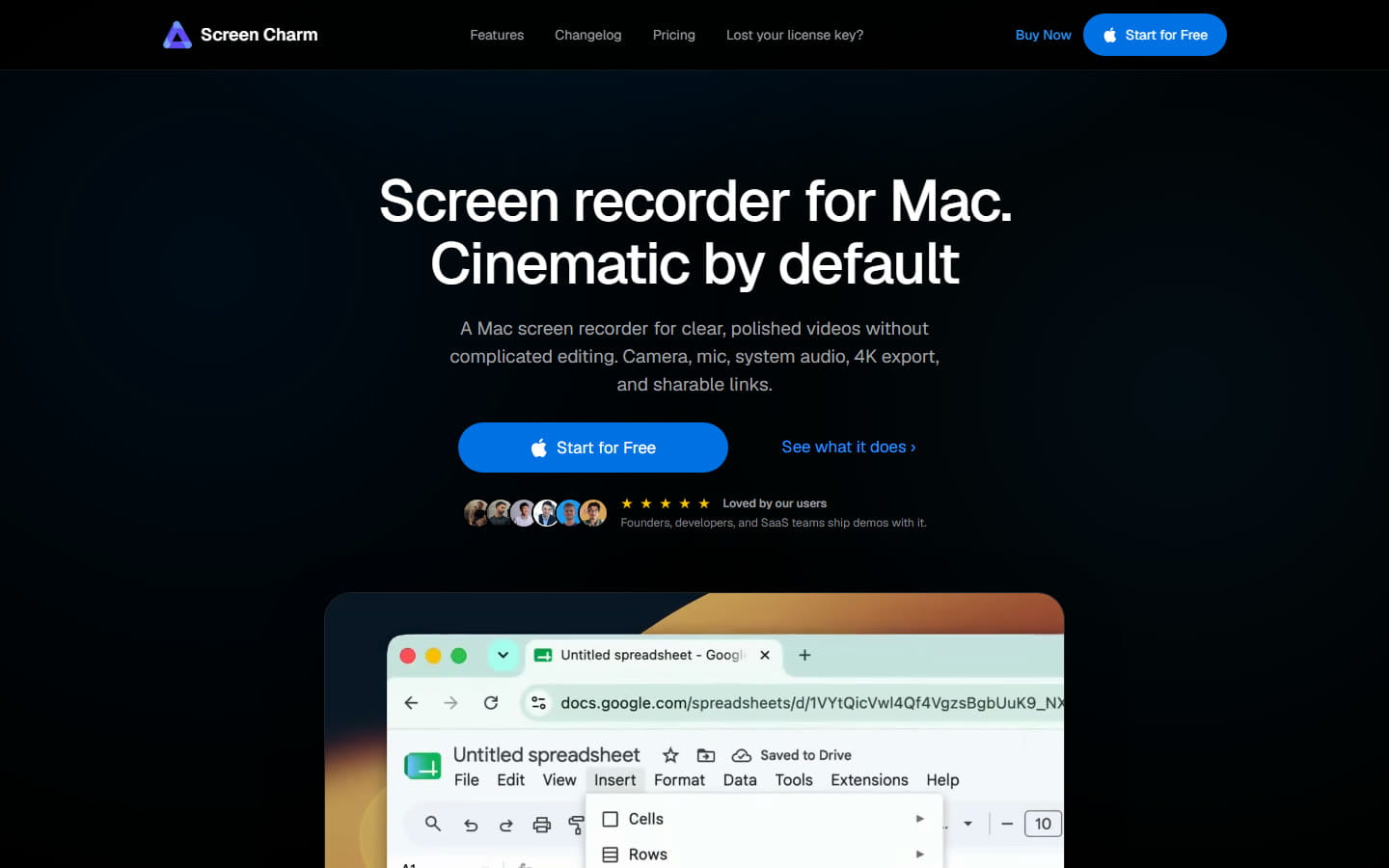
A native Mac app with automatic zoom that you can adjust or turn off, plus webcam recording, captions, 4K export and share links. It’s $79 once for three devices, there’s a free download to try it first, and it comes with a 14-day money-back guarantee. It doesn’t run on Windows or Linux.
Best auto-zoom screen recorders for Linux
Linux has the fewest options. Most of the well-known tools skip it.
- ScreenCursor runs in Chrome on Linux, because it’s a Chrome extension, and one of our own customers records on Ubuntu. Chrome on Linux can’t create AAC, the usual sound format in MP4 files, so ScreenCursor saves the sound as Opus there. Those files play in VLC, Chrome, Firefox and on YouTube.
- Cap has a .deb package for Debian and Ubuntu.
- Recordly and ScreenArc are free and open source. ScreenArc needs X11 and doesn’t support Wayland yet.
Best free auto-zoom screen recorders
There are good free options. If the video is for work, check the terms: Cap’s free plan is for personal use only.
- Cap is free for personal use, with zooms generated from your clicks in Studio Mode, 4K export and share links of up to 5 minutes. Using it for work needs a $58 one-time license or $29 a year.
- Recordly is free and open source (AGPL-3.0) for Windows, Mac and Linux. It suggests zooms from your cursor activity, and you choose which to keep.
- ScreenArc is free and open source (GPL-3.0). It adds pan and zoom that follow your clicks and exports MP4 or GIF at up to 2K. Its Windows and Mac installers aren’t code-signed, so your computer will warn you when you install it.
- To try before paying: Camtasia’s free editor works fully but adds a watermark, and Screen Studio lets you record and edit but not export.
If you need share links and a webcam
Most tools above give you a video file. If you’d rather send a link, with your face in the corner, these do both and zoom automatically.
Tella: polished videos you share by link
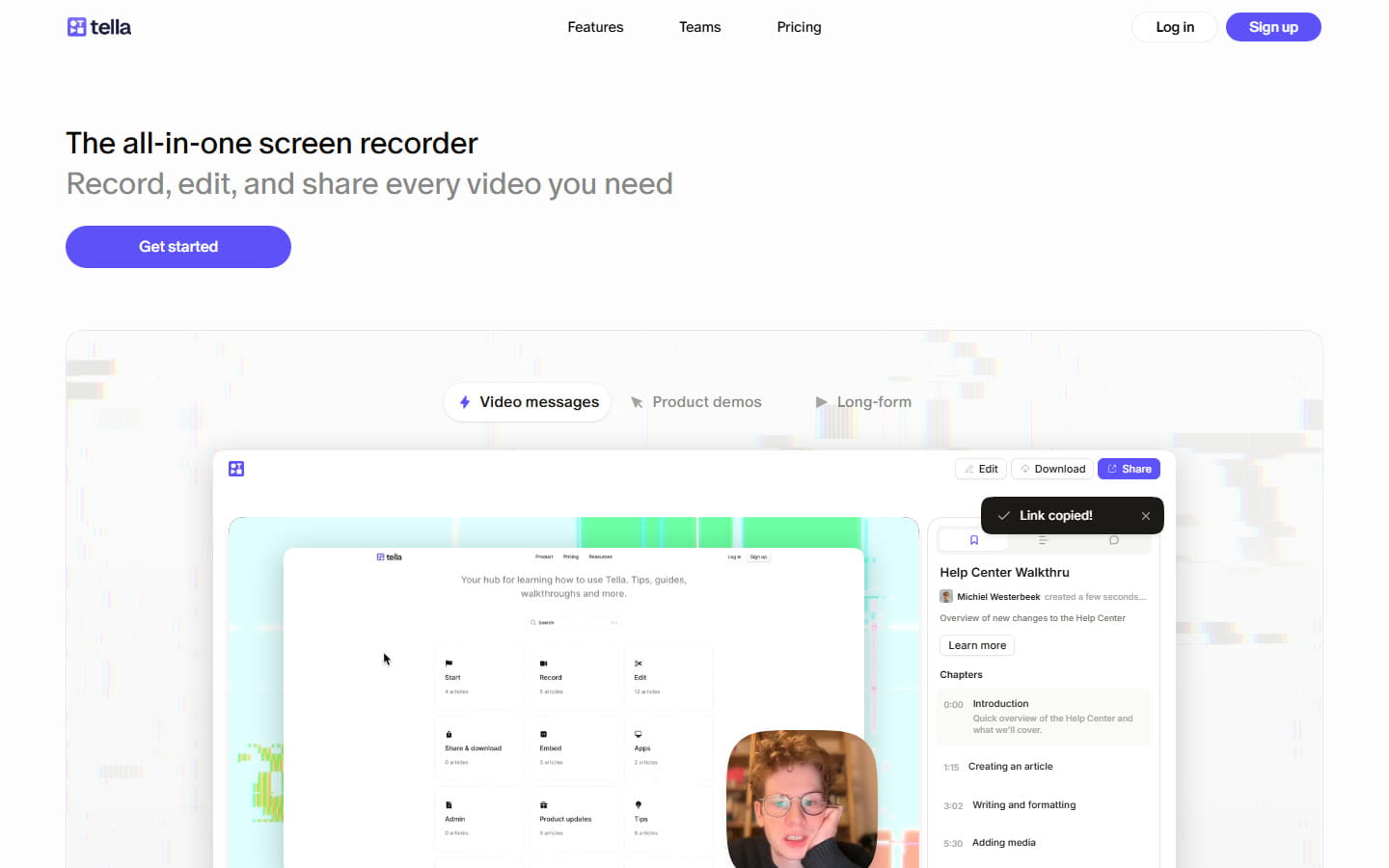
Tella records on Mac and Windows, in a Chrome extension or in the browser, and shares every video by link with your webcam alongside. Auto Zoom is included from the Pro plan, $13 per person a month billed yearly, and every account starts with a 7-day free trial of Pro that needs no card. Removing Tella’s branding from the video page needs Premium, $19 a month billed yearly. It also transcribes in 106 languages.
Cap: open source, with share links
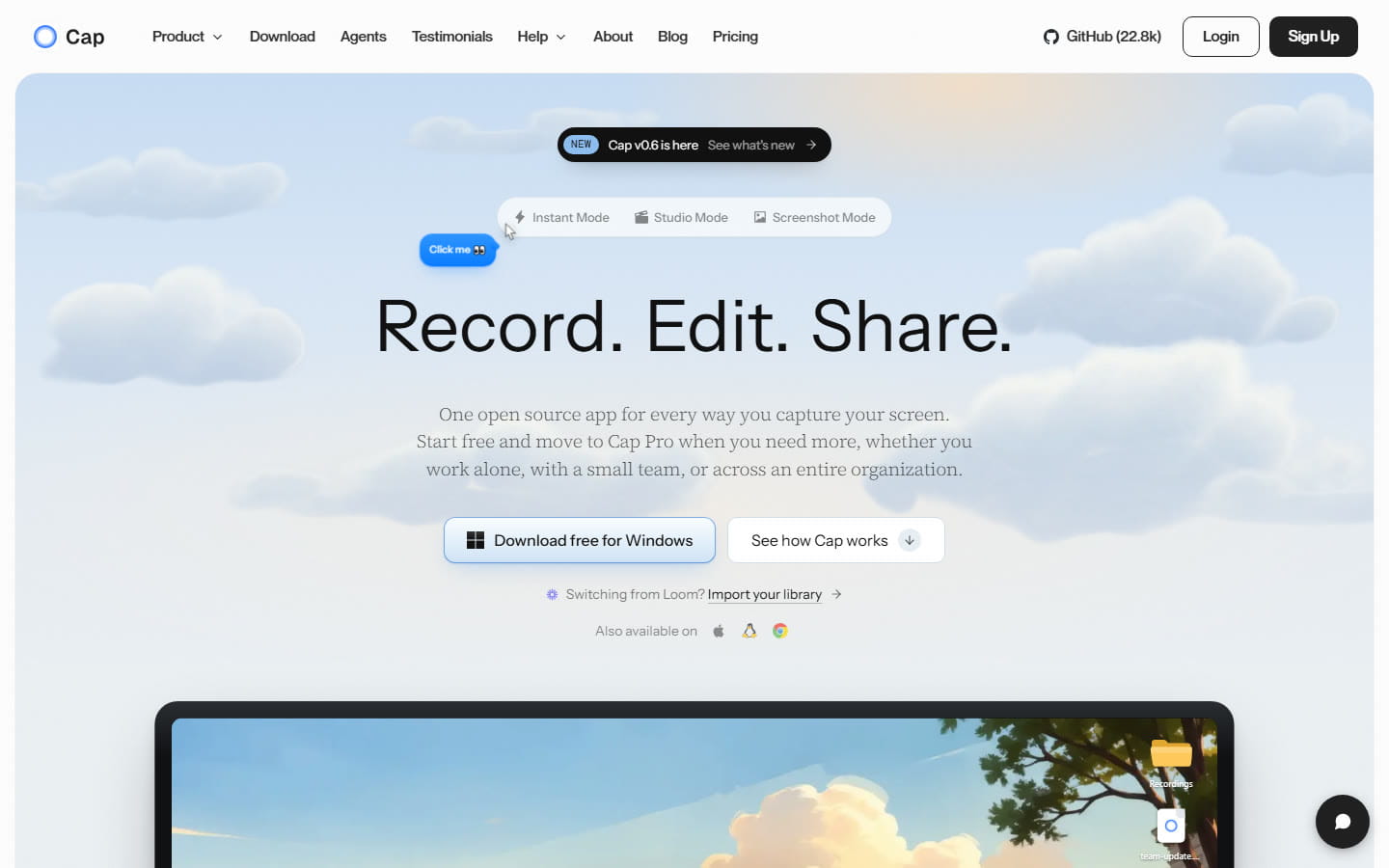
Cap’s Instant Mode uploads while you record and puts a share link on your clipboard when you stop. Studio Mode records on your computer, with automatic zooms. It runs on Windows, Mac and Linux and has a Chrome extension. Free for personal use with 5-minute links. Cap Pro, for unlimited sharing, is $12 per person a month, or $8.16 billed yearly.
On a Mac, Screen Studio and Screen Charm share by link too. Loom is built around sharing but has no automatic zoom yet. We compare it with these in detail on our Loom alternatives page.
Does auto zoom work in desktop apps?
It depends on the kind of tool, and it’s the thing people most often find out after buying.
Desktop recorders, such as FocuSee, Camtasia, Screen Studio, Screen Charm, Cap, Recordly and ScreenArc, follow your clicks or cursor anywhere on the screen. They zoom into Excel or Photoshop as easily as into a website.
A Chrome extension only sees what happens inside web pages. ScreenCursor zooms automatically in web apps, and in a desktop app you place the zooms yourself with Zoom focus point. If most of your demos happen in desktop software, a desktop recorder will save you time.
Recorders without auto zoom
OBS Studio is free, open source and runs everywhere, but it has no automatic zoom built in, so you would add every zoom by hand in a video editor afterwards. Loom lists auto-zoom as coming soon on its own editing page. OBS is excellent for streaming and raw recordings, and Loom for quick messages shared by link. They just don’t place zooms for you yet.
If you’re leaving a specific tool, our Screen Studio alternatives and Loom alternatives pages go deeper. For making the video itself, see how to make a product demo video.
Common questions
- What is the best auto-zoom screen recorder for Windows?
- It depends on how you want to pay and what you record. Screen Studio does not run on Windows. ScreenCursor ($49 once) is a Chrome extension that runs on Windows, macOS and Linux and keeps recordings on your computer. FocuSee is a native Windows and Mac app from $49.99 a year. Camtasia is a full video editor with automatic zoom from $179.88 a year. Tella adds share links and a webcam from $13 a month, and Cap is free for personal use. Prices were read off each vendor’s own site on 5 October 2026.
- Does Screen Studio work on Windows?
- No. Screen Studio runs on macOS only, and its own website says there are no near-future plans to add Windows support. On Windows, tools with automatic zoom include ScreenCursor, FocuSee, Camtasia, Tella and Cap.
- Is there a free screen recorder with auto zoom?
- Yes. Cap is free for personal use and generates zooms from your clicks. Recordly (AGPL-3.0) and ScreenArc (GPL-3.0) are free and open source on Windows, macOS and Linux. OBS Studio is free too, but it has no automatic zoom.
- Which auto-zoom screen recorders can I buy once instead of subscribing?
- Several. ScreenCursor is $49 once for three computers. Screen Charm is $79 once for three Macs. Cap sells a $58 one-time license for commercial use, and FocuSee has a $199.99 lifetime plan for up to five computers. Screen Studio, Tella and Camtasia are subscriptions.
- Which auto-zoom screen recorders work on Linux?
- ScreenCursor runs in Chrome on Linux, because it is a Chrome extension. Cap offers a .deb package for Debian and Ubuntu, and Recordly and ScreenArc are open source with Linux builds. ScreenArc needs X11 rather than Wayland. Screen Studio, Screen Charm, FocuSee and Camtasia do not run on Linux.
- Does Loom have auto zoom?
- Not yet. Loom lists auto-zoom as coming soon on its own editing page. Tools that already zoom automatically and also share videos by link include Tella, Cap and, on a Mac, Screen Studio and Screen Charm.
- Can OBS Studio zoom in automatically?
- Not on its own. OBS Studio has no automatic zoom built in, so a recording made with it shows the whole screen at one size, and any zooms have to be added by hand in a video editor afterwards.
- Does auto zoom work when I record desktop apps?
- With a desktop recorder, yes: FocuSee, Camtasia, Screen Studio, Screen Charm, Cap, Recordly and ScreenArc follow your clicks or cursor anywhere on the screen. A Chrome extension only sees clicks inside web pages, so ScreenCursor zooms automatically in web apps, and in desktop apps you place the zooms yourself.
- Do these screen recorders upload my videos?
- It varies. Tools built around share links, such as Tella, Loom and Cap’s Instant Mode, upload your video so it can be watched by link. ScreenCursor processes everything on your own computer, never uploads anything and needs no account.
ScreenCursor is $49 once, going to $79. It zooms in on every click while you record, keeps every zoom editable, and never uploads your screen. Windows, macOS and Linux, three computers, no subscription. See what you get.
Prices and features on this page were read off each tool’s own website on 5 October 2026. They change often. If something here is out of date, tell us at support@screencursor.com and we will fix it. FocuSee, Camtasia, Tella, Cap, Recordly, ScreenArc, Screen Studio, Screen Charm, Loom and OBS Studio are the property of their respective owners and are named here for comparison.